
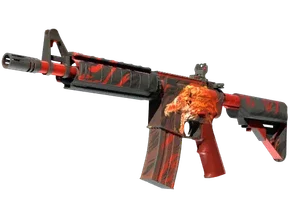
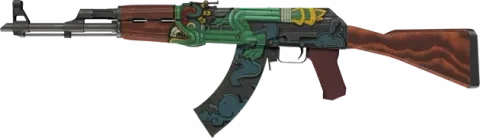
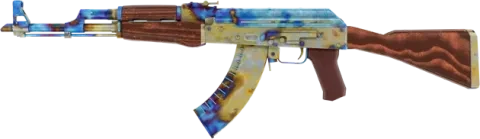

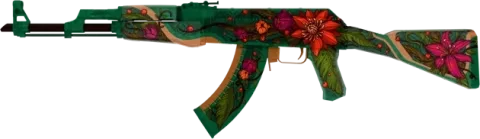

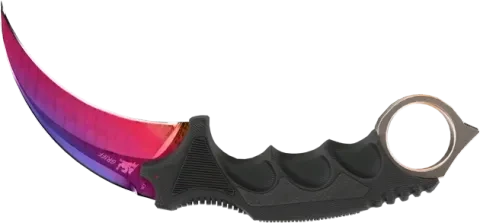
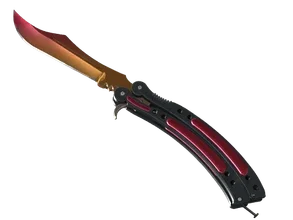
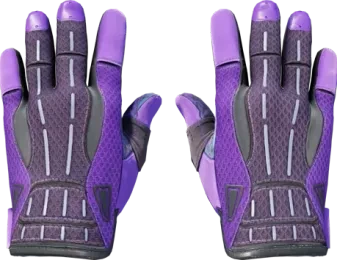
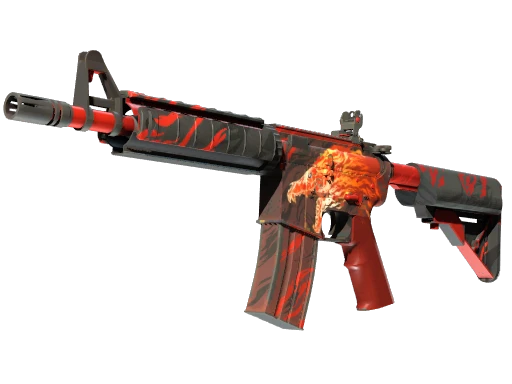
To compare Skin.Club cases, start with the current cost, possible items and outcome probabilities—not just the artwork. Skin.Club offers CS2 case opening across community, event, farm, anime, premium, battle, sticker and daily categories. It also documents Provably Fair tools with roll history and seed information, while eligible items can be withdrawn to Steam. Case opening is gambling, carries a house edge and is for adults aged 18+ or the applicable legal age. This guide explains how to assess a case, follow the opening process and handle the resulting item.
Understand what you are choosing before opening
A Skin.Club case opening is a chance-based way to receive a CS2 item, not a direct purchase of the skin pictured most prominently. Skin.Club supports CS2 and the legacy CS:GO naming, rather than a shared catalogue of Dota 2, Rust and TF2 items. Its main products are case opening, upgrades and case battles; those activities should not be treated as interchangeable.
| Activity | Documented structure | What to check |
|---|---|---|
| Case opening | Choose from Skin.Club's case catalogue and receive a chance-based result. | The selected case's cost, possible contents and outcome probabilities. |
| Upgrade | Select one or more skins and a target skin. A smaller price gap means a higher success probability. | The target item, selected inputs and displayed chance—not just the target's value. |
| Case battles | Battle modes include Regular, Crazy and Sharing, with 2, 3, 4 and 2x2 player formats. | The particular mode's allocation rules and full entry cost before joining. |
| Steam withdrawal | Select eligible items in your profile, choose Take and accept the resulting Steam trade offer. | Item availability, the trade contents and any account restrictions. |
Skin.Club's general battle description says the player with the most expensive drop receives all the skins. Do not extend that short description to every named battle mode without reading its rules. Likewise, moving a case drop into Upgrade introduces another chance-based decision; it is not part of withdrawing the original item. The game modes guide separates these products in more detail.
Compare Skin.Club case types by contents, not names
The catalogue includes several themes and use cases. A category helps narrow your search, but it does not establish a price bracket, a return rate or a better chance of receiving a valuable item. Treat the selected case's current details as the deciding information. A premium label, community origin or event association cannot replace that check.
| Case category | What the category establishes | Useful comparison question |
|---|---|---|
| Community | Skin.Club offers cases created by users. | Does this specific selection contain items you actually want, at a cost you accept? |
| Event | Event cases form part of the catalogue. | What are the current contents and conditions, apart from the event presentation? |
| Farm | Farm is a named case category. | What does the complete outcome distribution show? The name alone does not establish favorable returns. |
| Anime | Anime-themed cases are available. | Are you choosing for the theme, or have you also checked the possible outcomes? |
| Premium | Premium cases are listed. | Does the current price fit your spending limit? The label does not promise a valuable drop. |
| Battle | Battle cases are among the available categories. | How will the selected battle mode allocate items, and what is the total entry cost? |
| Sticker | Sticker cases are included in the catalogue. | Are the possible sticker outcomes relevant to what you want to keep? |
| Daily | Daily cases have level-based eligibility, with a verified section also listed. | Is the case unlocked for your account, and does a verification-related hold apply? |
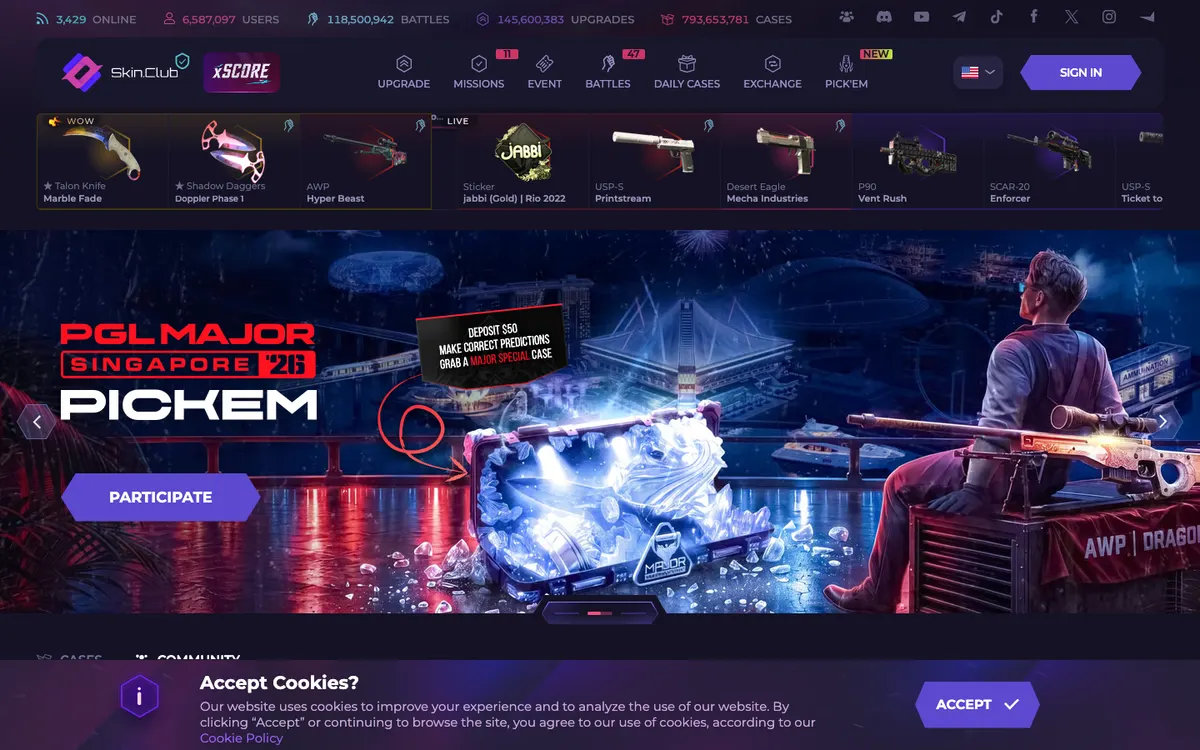
Skin.Club's Community cases interface shows the user-created catalogue. Use it to identify a case to inspect, rather than judging the underlying probabilities from its cover image.
Community cases need the same checks as other cases
User-created means the case comes from the community; it does not establish independent endorsement, better value or different withdrawal rights. Compare the actual contents, cost and probability information using the same standard you would apply elsewhere in the catalogue. A memorable title is not evidence about the distribution of results.
Daily cases depend on account eligibility
Skin.Club lists daily-case unlocks at Level 3, Level 10, Level 20 and further levels up to Level 120. It also has a verified section where a hold may apply if verification is requested. Eligibility therefore matters separately from the contents of a case. Check the requirements attached to the particular daily case rather than assuming that signing in makes every daily case available.
Do not spend more merely to reach another level. An unlock is an account condition, not evidence that the spending needed to reach it will be recovered. If a daily case is unavailable, distinguish a level requirement from a verification issue before contacting support.
Read the case price alongside Credits and withdrawal limits
Use the current cost attached to the case you are considering, rather than a price copied from another opening or an old screenshot. Category names are not a reliable price list. Also separate the cost of an individual opening from the total cost of every opening or battle entry you intend to make.
Deposits become Credits. Skin.Club's terms describe these as internal tokens with no real-world value that cannot be withdrawn, transferred or exchanged for cash. The site lists G2A Pay, credit cards and CS2 skins as payment methods, but that does not make a Credits balance equivalent to money in a payment account. Skin.Club does not provide cash withdrawals.
- Case cost: the amount required for the opening, checked before confirming.
- Total planned spend: the combined cost of your intended activity, not just the first case.
- Displayed item value: a reference attached to an outcome, not a cash payout commitment.
- Withdrawal availability: whether the resulting item can currently be delivered to Steam.
- Payment conditions: the final top-up amount and any charges disclosed during payment.
Skin.Club does not publish a fee table, and its terms reserve the right to charge additional fees and change the fee structure. Do not interpret that absence as fee-free use. Its refund policy is also narrow: refunds are possible only for a mistaken payment when the top-up balance remains untouched. Opening a case is therefore not a sensible way to test a payment you may want refunded. See the fees guide for the distinction between known terms and charges to check at payment.
Compare equivalent choices before comparing prices
A cheaper opening is not automatically a better match for your goal. A sticker-focused case and a case containing weapon finishes offer different kinds of outcomes, even when their costs look similar. First decide which items would genuinely interest you, then compare the cost and relevant probabilities. Keep direct openings separate from battle entries: a battle adds allocation rules to the underlying case results. If you return to a saved comparison later, recheck the selected case before confirming. Your notes describe what you previously saw, not an obligation for the current selection to match an old screenshot.
Check drops and odds without confusing different indicators
Possible contents answer what a case can contain. Probabilities answer how likely each outcome is. A roll record answers which result was generated. These are different questions, and an attractive list of possible skins answers only the first. Do not assume that pictured items have equal chances or that a prominently displayed skin is a typical result.
Skin.Club documents Provably Fair tools, roll history, seed changes, client and server seeds, and an Adrenaline indicator. None of those labels alone tells you the chance of receiving a particular skin from the case you selected. Before spending, inspect the live case details and locate the probability information associated with its possible outcomes. If you cannot establish what a displayed figure means, pause rather than substituting a guess.
- Identify the exact possible item, including any condition or special variant shown.
- Distinguish a probability from a price, valuation, rarity label or informational score.
- Check whether a figure refers to an individual item, a group of outcomes or the case as a whole.
- Do not import official Counter-Strike container odds into a separately assembled Skin.Club case.
- If contents, probabilities or the final cost remain unclear, do not confirm the opening.
Define the outcome you actually want
The phrase “best odds” is incomplete without a target. Wanting a particular finish in a particular condition is different from accepting any item from a broad group. If the interface groups outcomes, check whether the group includes variants you would not want. Do not treat the probability of the whole group as the probability of your preferred member. Likewise, do not add overlapping categories together when comparing chances. This is general probability guidance, not a Skin.Club-specific calculation rule. The useful question is whether the published information answers your actual question; if it does not, a larger-looking figure is not a substitute.
Wear and rarity describe the item, not your chance of receiving it
As general CS2 item terminology, wear describes a skin's condition, while float is the underlying wear value. Rarity is an item classification. A StatTrak variant is also distinct from the corresponding ordinary item. These details help identify what is being offered, but they are not interchangeable with a case-specific drop probability.
Outcomes with similar names can therefore represent different items. Read the complete description rather than matching only the weapon and finish. If your goal is a particular condition or variant, a case containing a related item may not meet that goal. The glossary explains these general item terms separately from Skin.Club's rules.
Adrenaline is informational, not an outcome promise
Skin.Club describes Adrenaline as the ratio of the likelihood of a case containing desirable skins to the case cost. It expressly says the indicator does not affect or guarantee an outcome. Do not read it as your personal chance of obtaining a chosen item or as proof that a case will return more than it costs. Its definition also does not replace checking which outcomes you would actually want.
How a Skin.Club case opening works, step by step
The following sequence combines Skin.Club's documented account and withdrawal features with practical checks. It is not a strategy for improving results. Decide whether you accept the cost and uncertainty before funding the activity, rather than deciding after a disappointing drop.
- Check age, location and your spending boundarySkin.Club requires users to be at least 18 or the applicable legal age of majority. Use must be lawful where you live; Washington and Nevada are excluded, and functionality may be geographically limited. The terms prohibit VPNs and proxies. Set an affordable entertainment limit before proceeding.
- Sign in through a documented methodSkin.Club lists Steam and Google sign-in. Check that you are using the intended account, especially if you have used different sign-in methods. For later item delivery, make sure you can access the correct Steam account and review trade offers securely.
- Review funding before creating a Credits balanceCheck the payment method and final amount. Deposits become non-withdrawable Credits, and refund eligibility depends on a mistaken payment remaining untouched. If you deposit skins, read the hold and provisional-credit conditions before treating the displayed balance as settled.
- Inspect the particular caseReview its current cost, complete possible contents, item variants and outcome probabilities. For a daily case, also check the level or verification requirement. Do not choose solely from the cover image, a recent result or the largest possible item.
- Confirm only when the terms are clearCheck the full amount you are about to commit and whether you are opening a case directly or entering a battle. If the interface or a probability figure is unclear, stop and resolve the question before spending rather than using an opening as a test.
- Review the result and its verification informationCompare the awarded item with the result record. Skin.Club says its Provably Fair tools provide roll history and seed information. Keep relevant identifiers if something appears inconsistent; an unfavorable result alone does not establish a technical problem.
- Choose what happens to the itemIf you want to withdraw an eligible skin, select it in your profile and use Take, then review the Steam offer. Entering Upgrade or a battle is a separate decision involving further chance. You do not need another opening to validate the completed result.
Use Provably Fair records to check a result—not predict one
Skin.Club says all its mechanics use Provably Fair technology. It describes visibility into roll history, seed changes, client and server seeds, and other players' results. These are transparency features for examining outcomes. They do not remove the house edge, make a selected case economical for your circumstances or reveal which skin will appear next.
Skin.Club's Provably Fair information and result-verification interface. A verification record serves a different purpose from the probability information for a selected case.
In general, a meaningful verification connects the inputs used for a particular event to its recorded result through the published verification procedure. Merely seeing seed labels is not the same as completing that check. Follow the current official verifier's instructions and keep the event details together. Do not substitute a generic hashing recipe: Skin.Club's broad transparency description is not a complete technical specification of every calculation.
Separate fairness from value. A result can follow the stated mechanism and still be worth less to you than the opening cost. Other players' valuable drops are not a forecast for your account, and a sequence of disappointing results does not create an entitlement to a better next result. See Provably Fair explained for the verification concepts.
After the drop: distinguish an item balance from Steam delivery
A result appearing in your Skin.Club profile and an item arriving in Steam are separate stages. Skin.Club's published withdrawal sequence is to select items in your profile, click Take, wait for a Steam trade offer and accept it. Trades are carried out automatically by Steam bots. The site describes withdrawals as typically taking a few minutes, but that is not a deadline for every request.
Its terms say some skins may be unavailable for withdrawal for reasons outside the company's control. Withdrawals can also be limited when a reversal leaves a negative balance. An item valuation shown on-site therefore does not establish immediate delivery, and neither that valuation nor Credits can be requested as a cash withdrawal.
Keep delivery details separate from account credentials
As general Steam guidance, a trade link helps another party send a Trade Offer to your account. It is not your Steam password, and providing a trade link does not replace reviewing the eventual offer. If delivery instructions ask you to check a trade URL, obtain it through your own Steam account rather than copying a link sent by a stranger. Do not disclose authentication codes to someone claiming they need them to release a drop. These are general security precautions, not a claim that Skin.Club applies a particular trade-link setup or waiting period to every account. Follow the actual account instructions and investigate any mismatch before accepting a trade.
Review the Steam offer before accepting
As general Steam guidance, a Trade Offer is a prepared exchange showing the items on both sides. Inspect those contents, not just a profile image or display name. Compare the offered skin and variant with the withdrawal you requested. If an offer asks for something unexpected from your inventory, do not accept it while trying to solve the discrepancy.
Steam Guard's mobile authenticator provides additional authentication for trade and market confirmations. Steam trade holds are a separate platform protection that can delay delivery. These general Steam mechanisms are not proof that Skin.Club imposes a particular authenticator waiting period on every withdrawal. Review the actual notices on your account and use the trade-safety guide when checking an offer.
Resolve case-opening problems without adding more spend
| Situation | Relevant distinction | Practical next step |
|---|---|---|
| A daily case is locked | Level eligibility and a verification-related hold are different conditions. | Read the requirement attached to that case. Do not make extra deposits simply to investigate. |
| A skin deposit is on hold | The FAQ describes an 8-day skin-deposit hold. | Check Profile > Payments > On Hold and retain the deposit details. |
| Credits appear before a skin deposit settles | Instant Credit is provisional during an 8-day Settlement Period and can be reversed. | Do not treat provisional credit as final. A reversal can leave the balance below zero. |
| The result looks different from the cover image | The cover is not a promise of a particular item. | Compare the actual result with the case's possible outcomes and roll record. |
| A skin cannot currently be withdrawn | Some skins may be unavailable, and negative balances can restrict withdrawal. | Check the account notice and item status before asking support about that specific withdrawal. |
| A trade offer does not match the request | A Steam offer must be reviewed independently of the on-site result. | Do not accept a mismatched offer. Keep the withdrawal and offer details for support. |
For a support request, describe the affected case or withdrawal, when it happened, the relevant transaction or result identifier and the exact message shown. Screenshots can help, but exclude passwords, authentication codes and sensitive payment details. Skin.Club publishes help@skin.club and says support operates around the clock. Its terms also allow identity checks triggered by suspicious activity, transactions or payment methods; a verification request is distinct from an unfavorable case result.
Keep opening records and delivery records separate
An opening dispute and a delivery delay need different evidence. For the opening, retain the case name, recorded result and available verification details. For delivery, retain the requested item's description, withdrawal status and relevant Steam offer information. For a funding issue, use the payment record rather than an unrelated roll screenshot. This separation helps explain where the problem occurred without exposing your entire account history. If a page appears stuck after confirmation, check the existing account and result records before trying again; repeating a paid action is not a reliable way to diagnose whether the earlier action completed.
Decide whether a case fits your actual goal
If your goal is an exact skin, opening a case containing it does not give you control over receiving it. Direct purchase of a known item is a different model from a randomized opening; this distinction does not imply that Skin.Club offers a conventional direct-purchase marketplace. Identify the outcome you want before choosing the method.
For adult recreational use, set both a spending boundary and a stopping point. Do not increase the budget because a case disappointed you, because another player received a valuable item or because an account level is close. Avoid opening when upset or preoccupied with recovering previous spending. If keeping the limit becomes difficult, stop and consult the responsible-gambling guide. In the United Kingdom, GamCare’s National Gambling Helpline is available on 0808 8020 133 (gamcare.org.uk). Case opening carries a house edge and should never be treated as a financial plan.
Before opening: a short decision checklist
- Confirm that you meet the age and location rules.
- Check the selected case's current cost, complete contents and probability information.
- Read item condition and variant details rather than relying on the cover image.
- Treat Adrenaline and Provably Fair as different tools, neither a promise of a desirable result.
- Remember that Credits cannot be cashed out and item withdrawal is a separate process.
- Check daily-case eligibility or provisional-deposit conditions when relevant.
- Keep the opening within a predetermined limit and stop if anything material is unclear.
Skin.Club cases FAQ
No matching questions found.
What types of cases does Skin.Club have?
How much do Skin.Club cases cost?
Which Skin.Club case has the best odds?
Where should I check case drops and probabilities?
How do Skin.Club daily cases unlock?
Does Provably Fair mean I will receive a valuable skin?
Can I withdraw case winnings as cash?
Why has my case item not arrived in Steam?
Are Skin.Club cases for Dota 2, Rust or TF2?
Explore Skin.Club
Links to Skin.Club's official site are independent and earn no commission. →
This guide is independent and informational. Check Skin.Club's official site for current terms.