


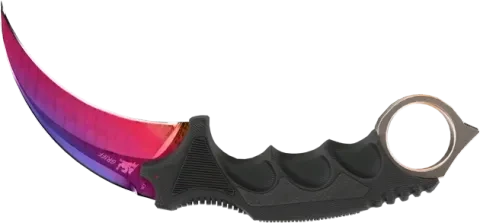
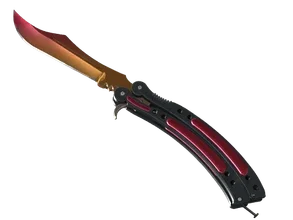
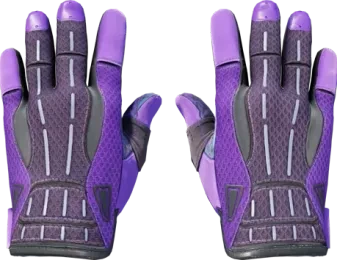
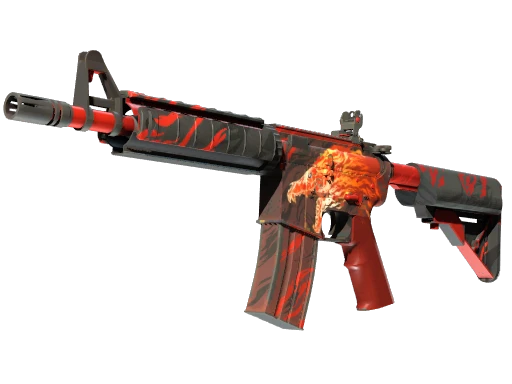
Skin.Club supports CS2 / CS:GO skins, with case opening, Upgrade and case battles as its main products. It does not list support for Dota 2, Rust or TF2 items. If you are checking whether an existing inventory is compatible, the important distinction is the game attached to each item—not simply whether it sits in your Steam account. Supported skins can be withdrawn to Steam, but Skin.Club does not offer cash withdrawals.
Check your game's compatibility first
Skin.Club is a CS2-focused case-opening site, rather than a general marketplace for every Steam inventory. Its use of Steam trades does not establish support for every game that has tradable items. For someone arriving with Dota 2, Rust or TF2 skins, the practical answer is to treat those inventories as unsupported rather than assume that a Steam connection makes them eligible.
| Game | Support | Practical implication |
|---|---|---|
| CS2 / CS:GO | Supported | The documented catalogue and main modes focus on these skins; CS2 skins are also a listed deposit method. |
| Dota 2 | Not listed as supported | Do not assume Dota 2 items can fund the account or be received as withdrawals. |
| Rust | Not listed as supported | A Rust inventory does not establish eligibility for deposits, cases or item withdrawals. |
| TF2 | Not listed as supported | Steam tradability alone does not make TF2 items compatible with Skin.Club. |
The CS2 / CS:GO wording describes the site's supported game family; it is not a choice between separate cross-game services. Skin.Club also says it is not affiliated with or endorsed by Valve, CS2 or Steam. Steam handles the underlying trade system, while Skin.Club sets its own catalogue, account rules and withdrawal conditions.
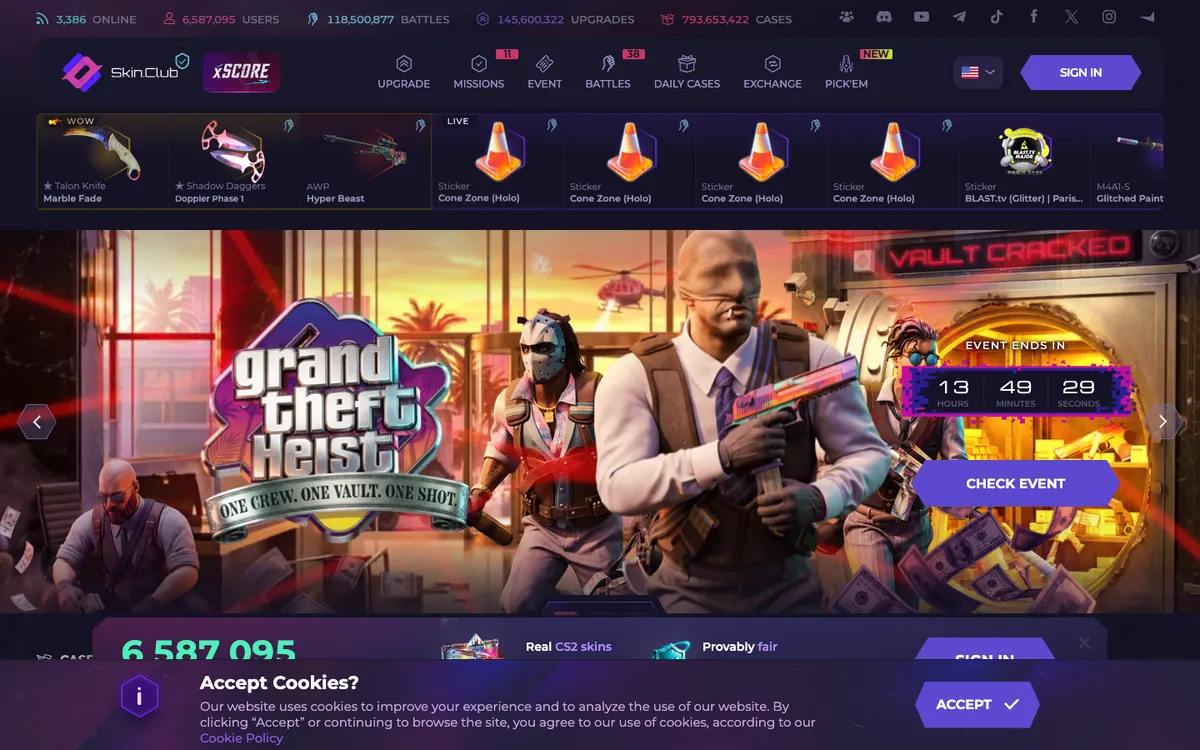
Skin.Club's desktop homepage shows its CS2-focused offering. Treat the catalogue as a view of the site's products, not a directory of every game supported by Steam.
Understand how the CS2 modes differ
Supporting CS2 skins does not mean Skin.Club works like a conventional shop where every purchase delivers a chosen item. Its main products involve chance. The distinction matters if your goal is a particular finish, condition or collectible: browsing an item as a possible case result is different from selecting it as an Upgrade target, and neither action ensures delivery.
| Product | Documented role | What to check |
|---|---|---|
| Case opening | Cases contain possible skin results; categories include community, event, farm, anime, premium, battle and sticker cases. | The specific case contents and any displayed probabilities, rather than the category name alone. |
| Upgrade | Select skins and choose a target skin for a chance-based attempt. | The selected inputs, target item and displayed chance before committing. |
| Case battles | Case-opening competition with Regular, Crazy and Sharing modes. | The selected mode and its rules; do not assume every format distributes results identically. |
| Exchange | An additional feature listed by Skin.Club. | Current eligibility and transaction terms; its name does not establish cross-game support. |
Case categories describe the offering, not another game
Community cases are created by users, while other listed categories group cases by theme or purpose. These labels do not extend support to Dota 2, Rust or TF2. Before assessing a case, separate its presentation from its actual possible contents. A theme, prominent item image or desirable skin name is not a substitute for understanding the possible results. The Skin.Club cases guide explains the case-opening side in more detail.
Upgrade targets are possible outcomes, not purchases
Skin.Club describes Upgrade as selecting skins, choosing a target and making an attempt. It says a smaller price gap between the selected skins and target means a higher success probability. That is a relationship between inputs and chance, not a promise of success. Check the target's exact identity and condition, as well as the chance displayed for that selection. A higher-value target should not be confused with a better or safer outcome.
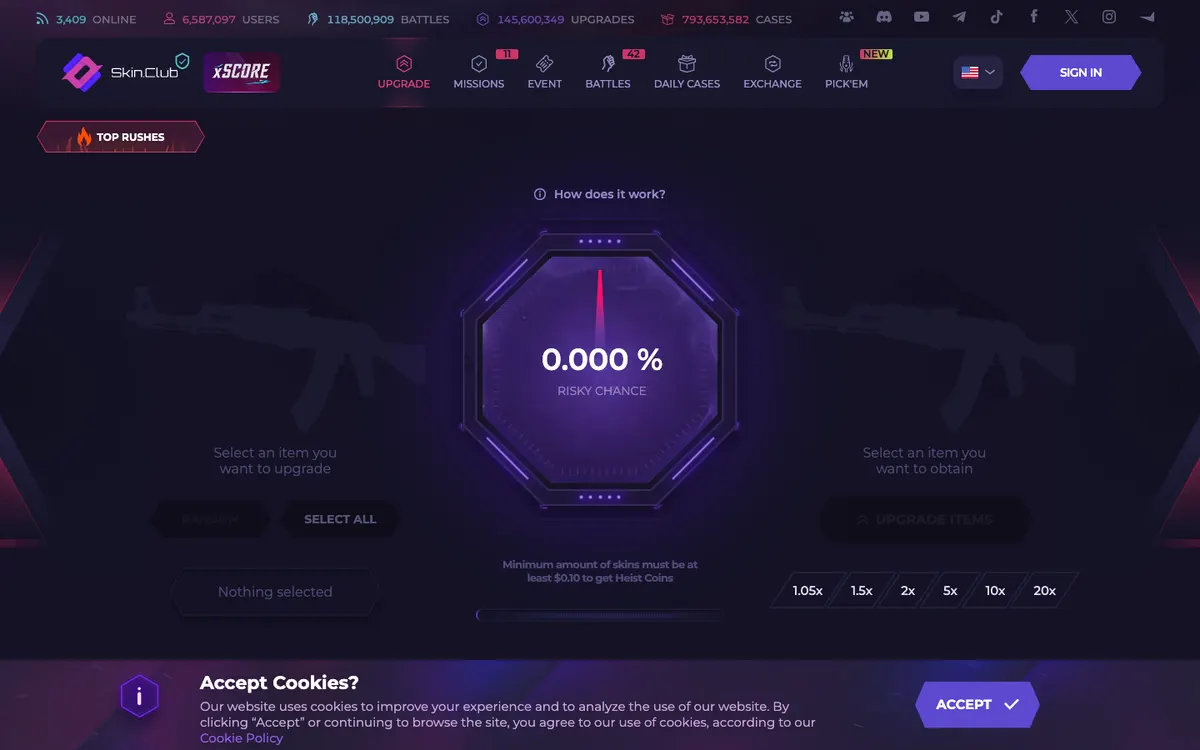
The Skin.Club Upgrade interface shows item selection and a displayed chance. Choosing a target does not make it a direct purchase.
Battle rules matter as much as the skins
Skin.Club lists Regular, Crazy and Sharing battles, with play against real players or bots. Do not transfer the general description of a competitive battle to every named variant. Read the rules for the selected format, including how results are allocated, before judging what an item appearing in that battle means for your own inventory. These are variations within the site's CS2 offering, not separate supported games. See the game modes guide for the broader comparison.
Compare the exact CS2 item, not just its picture
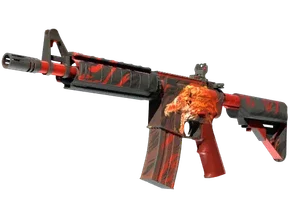
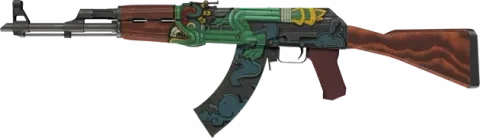
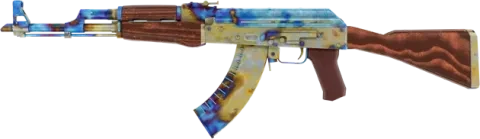
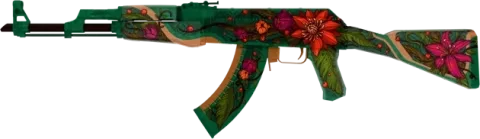
Within CS2, similar-looking skins can still be different items. The following are general item-reading principles, not additional Skin.Club eligibility rules. Use them when comparing case contents, an Upgrade target or the item presented in a Steam offer. The item description is more informative than a thumbnail viewed in isolation.
- Read the full weapon and finish name. Similar colours or artwork do not establish that two entries are the same skin.
- Check the wear category where applicable. Factory New, Minimal Wear, Field-Tested, Well-Worn and Battle-Scarred describe condition, not separate games.
- Understand float as an item-condition measurement. Lower float generally corresponds to less wear, but the visual effect depends on the finish.
- Keep rarity separate from condition. A rarity tier and a wear label describe different properties and should not be treated as interchangeable.
- Notice special labels such as StatTrak or Souvenir where applicable. Compare like-for-like descriptions rather than assuming a shared finish name means an identical item.
- Treat patterns and applied stickers as additional details to inspect. Do not assume a generic image represents every individual example.
Rarity also does not tell you the probability of receiving an item from a particular third-party case. An item's classification and a case's probability structure answer different questions. Likewise, a desirable condition does not by itself prove a better chance of receiving that item. If you need help separating these terms, use the skin terminology glossary before comparing results or targets.
Keep Steam compatibility separate from site support
A Steam account can contain inventories associated with different games. That shared account is not a universal conversion mechanism: a Rust item does not become a CS2 skin because both are visible through Steam. A third-party service must explicitly support the relevant game and transaction. For Skin.Club, the documented scope is CS2 / CS:GO. Do not infer a Dota 2 deposit route, Rust withdrawal catalogue or TF2 exchange service from the presence of Steam sign-in or automated trading.
The same caution applies to item terminology. CS2 wear and rarity conventions are not a universal checklist for every game's cosmetics. When comparing services across games, establish game support first, then examine that game's item descriptions and trading restrictions. There is little value in comparing an attractive item price if the service does not accept or deliver the game you actually want.
Distinguish a site item from delivery to Steam
An item shown in a site profile is not the same stage as an item received in your Steam inventory. Skin.Club says its trades are carried out automatically by Steam bots. Its published withdrawal process uses the profile's Take control, followed by a Steam trade offer. However, its terms also warn that some skins can be unavailable for withdrawal for reasons outside the company's control.
- Identify the item in your profileCheck the exact skin description and whether it is available for withdrawal. General CS2 support does not mean every individual skin is currently deliverable.
- Check your Steam destination detailsAs a general trading precaution, confirm the intended Steam account and trade-link details. A trade link routes offers; it should not be treated as a password or a reason to share authentication codes.
- Use the documented withdrawal controlSkin.Club instructs users to select items in their profile and click Take, then wait for a Steam trade offer.
- Inspect the complete offerCompare the items on both sides with the transaction you requested. Do not accept an unexpected offer merely because the sender uses a familiar name or avatar.
- Confirm delivery through SteamAccept only the expected offer and check its resulting status in Steam. Keep the distinction between a requested withdrawal, a pending trade and completed delivery clear.
Steam trade holds are a separate general concept: Steam can hold items before delivery to allow compromised-account owners time to cancel fraudulent trades. Steam Guard adds authentication protection for trade and market confirmations. These Steam protections should not be confused with Skin.Club's own balance or deposit settlement rules. The trade safety guide covers account security and offer checks in more detail.
Check what happens to deposited skins and balances
Skin.Club lists CS2 skins, credit cards and G2A Pay as deposit methods. Deposits become Credits, which its terms describe as internal tokens with no real-world value that cannot be withdrawn, transferred or exchanged for cash. This is not a cash balance attached to every game in your Steam library. Skin.Club expressly says it does not provide cash withdrawals.
The FAQ says skin deposits can be held for 8 days. The terms also describe Instant Credit as provisional credit during an 8-day settlement period. If Steam Trade Protection reverses the underlying trade, that credit can be reversed and the balance can become negative. Withdrawal restrictions may follow a negative balance. These are deposit-settlement conditions, not evidence of support for another game's items.
Skin.Club does not publish a fee table, and its terms reserve the right to charge additional fees and change the fee structure. Do not assume that a displayed item valuation is a cash offer or that another service will use the same valuation. The Steam Community Market is different again: purchases and sales there use Steam Wallet funds and have their own displayed fee lines. Review the deposit and withdrawal guide for the documented payment distinctions.
Understand what Provably Fair does—and does not—answer
Skin.Club states that its mechanics use Provably Fair technology, with roll history, seed changes, and client and server seeds available to view. In general, seed-based verification helps check whether a recorded result matches the disclosed procedure. It does not remove the house edge, predict a later result or establish which games a site supports. It also does not answer whether a particular skin is currently available for withdrawal. Those remain separate questions about rules, catalogue and delivery.
Make the final checks around your actual goal
- If you want Dota 2, Rust or TF2 items, Skin.Club's documented game support does not match that goal.
- If you want a specific CS2 skin, distinguish a known-item purchase from a chance-based case, Upgrade attempt or battle.
- If you already hold a site item, check its withdrawal availability rather than relying only on the general supported-game label.
- Skin.Club is restricted in Australia; its online casino and slot services are prohibited for Australians.
- Do not use a VPN or proxy to bypass restrictions; Skin.Club's terms prohibit them. Keep any spending within a predetermined entertainment budget.
Supported games FAQ
No matching questions found.
Does Skin.Club support Dota 2 skins?
Can I use Rust or TF2 items on Skin.Club?
Is Skin.Club a marketplace for buying a chosen CS2 skin?
Does choosing an Upgrade target mean I receive it?
Can every supported CS2 skin be withdrawn immediately?
Can I withdraw money instead of a skin?
Do wear and rarity tell me a case's odds?
Does Provably Fair mean a skin outcome is predictable?
Explore Skin.Club
Links to Skin.Club's official site are independent and earn no commission. →
This guide is independent and informational. Check Skin.Club's official site for current terms.