
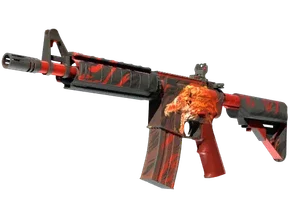
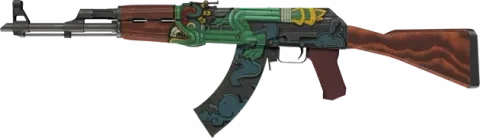
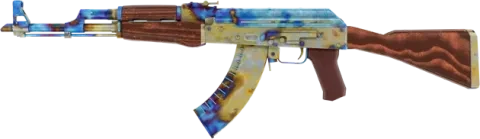

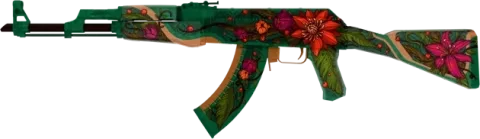

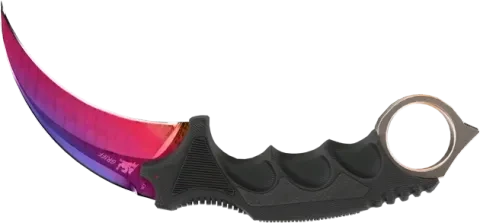
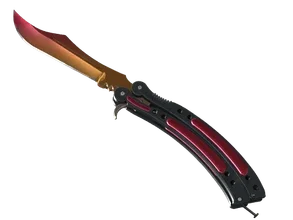
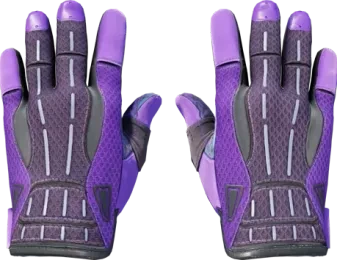
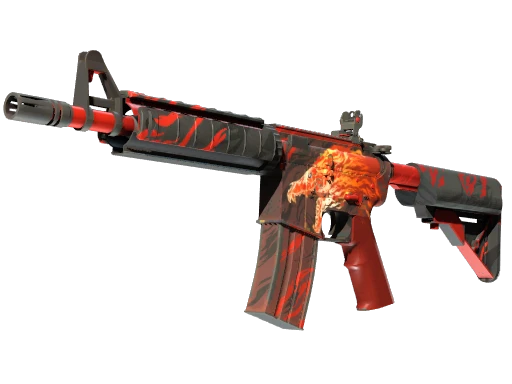
This independent guide explains the service’s documented features and processes for informational purposes only; it does not explain how to access or use them. Skin.Club describes an internal Credits balance, case opening, upgrades and case battles, with Steam bots handling item transfers. Credits are not cash, an item displayed on the site is not yet in a Steam inventory, and cash withdrawals are not available.
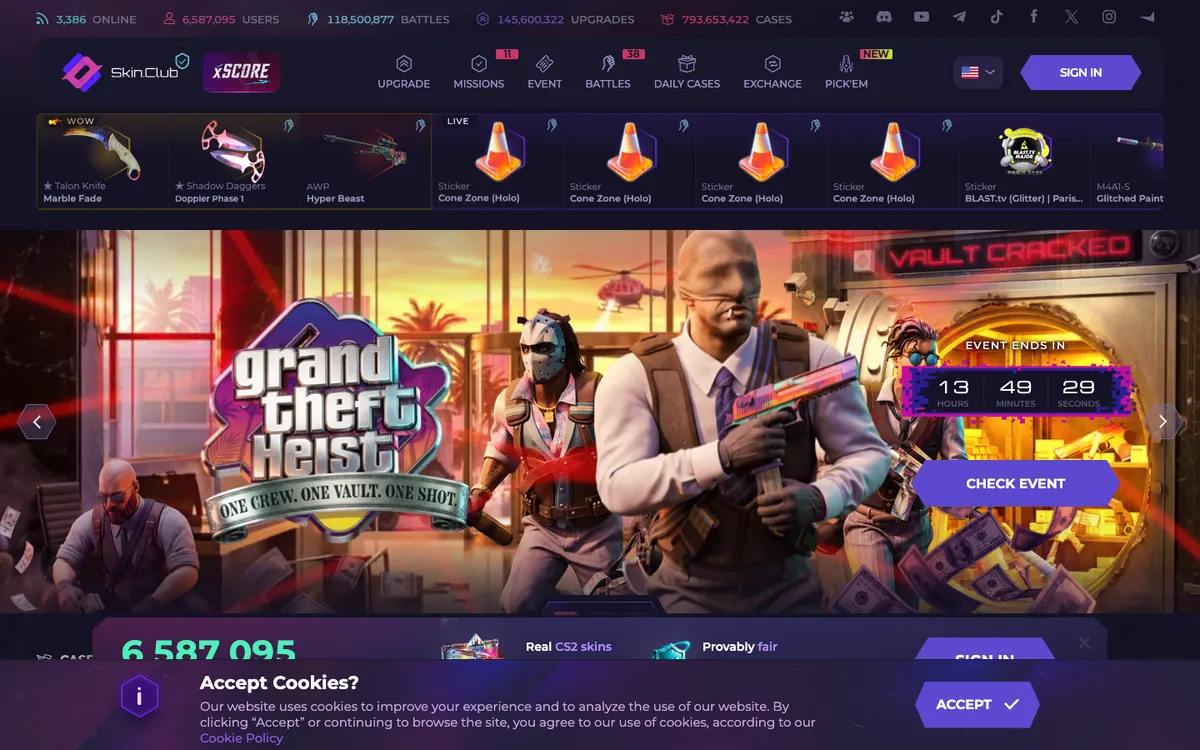
The official Skin.Club home page introduces its CS2 case-opening activities. Treat case artwork and item previews as navigation, not as a promise about what an opening will produce.
Understand what moves between Skin.Club and Steam
Skin.Club is a CS2/CS:GO case-opening service, not a general marketplace covering every Steam game. Its documented flow moves from a payment or skin deposit into site Credits, then into an activity and potentially an item available for withdrawal. Steam handles the actual item transfer. Keeping these stages separate helps you understand what you hold and which service controls the next action.
| Stage | What it represents | What it does not mean |
|---|---|---|
| Payment or skin deposit | The funding transaction you initiate through an available method. | A submitted transaction is not necessarily settled or ready to spend. |
| Credits | Internal tokens used within Skin.Club. | Credits cannot be withdrawn, transferred or exchanged for cash. |
| Item shown in your profile | An on-site item you can select when requesting withdrawal, subject to availability and restrictions. | The item has not necessarily reached your Steam inventory. |
| Accepted Steam trade | The item-delivery stage handled through Steam. | It is not a cash payout or a Steam Community Market sale. |
This also explains why a displayed skin value should not be treated as money you can withdraw. Steam Community Market transactions use Steam Wallet funds under Steam's own rules; Skin.Club Credits are a different balance entirely. If your aim is to obtain a particular cosmetic rather than participate in a chance-based activity, opening cases is not a substitute for choosing that known item directly.
Check eligibility before creating a funded account
Skin.Club requires users to meet its minimum age of 18 and the applicable legal age of majority. Its terms require lawful use, exclude residents of Washington and Nevada in the USA, and allow regional functionality restrictions. Access to a page does not establish that using every feature is permitted where you live. The terms also prohibit VPNs and proxies, so do not use them to work around an availability restriction.
- Confirm that you meet the age and location rules before sending money or items.
- Use only payment credentials belonging to you; someone else's credentials are not permitted.
- Prepare a Steam account capable of receiving the CS2 items you want to withdraw.
- Choose an entertainment budget you can afford to lose, separate from essential spending.
- Be prepared for identity or payment checks rather than assuming sign-in completes every account requirement.
Verification can be triggered by suspicious activity, a transaction or a payment method. Skin.Club may request your name, government identification, a selfie with ID, payment evidence, address evidence or source-of-funds information. Its terms say an account is permanently blocked if verification establishes residence in a restricted country. Consider these requirements before depositing, not only when a withdrawal is waiting.
Set up sign-in and prepare your Steam trade link
Sign in through the official service
Skin.Club documents Steam and Google sign-in. This is a description of the service’s stated sign-in options, not guidance to access or use Skin.Club in Australia. Check the address of any authentication page before entering credentials. Google access is distinct from Steam item delivery. Our login guide separates sign-in troubleshooting from trading issues.
Copy your trade URL from Steam, not from another person
A Steam trade URL lets another party send an offer to your account. It is not your Steam password and does not, by itself, authorize an item transfer. The following is general Steam preparation, not a claim about fixed Skin.Club profile labels. Follow the current account prompts wherever the service requests your trade details.
- Steam trade-offer settings (general information)Steam accounts have trade-offer privacy settings, commonly labelled Who can send me Trade Offers? This is general platform information, not a step for using Skin.Club in Australia.
- Trade URL (general information)A Steam trade URL is an account-specific address. Do not use links supplied by another user, a chat message or an unsolicited support contact.
- Delivery account (general information)Steam item delivery, where available, is associated with a Steam account. A profile picture alone is not a reliable way to identify an account.
- Saved trade details (general information)Services may request trade details and Steam trade URLs can change if regenerated. This is general information, not guidance to set up Skin.Club use in Australia.
Check Steam security and trading restrictions
Steam Guard's mobile authenticator provides additional protection for account access and trade confirmations. A Steam trade hold means Steam retains items before delivery, allowing fraudulent trades to be cancelled. These are platform-level concepts, not Skin.Club fees. Check Steam's current notices for your account rather than assuming a saved trade link means unrestricted trading. Enabling an authenticator does not prove that every restriction has cleared. See Steam trade safety for the checks to make before approving an offer.
Skin.Club documents payment methods and an internal Credits balance. This guide does not explain how to fund or use a Skin.Club account in Australia. The service does not publish a complete fee table, and its terms reserve the right to add fees or change the fee structure; an absent fee schedule is not a promise that transactions have no costs.
Skin.Club lists G2A Pay, credit cards and CS2 skins as payment methods. These are descriptions of the service’s stated options, not guidance to make a deposit in Australia. Its terms reserve the right to add fees or change the fee structure; do not interpret an absent fee schedule as a promise that transactions have no costs.
| Method | Information associated with the method | Important distinction |
|---|---|---|
| Credit cards | Skin.Club says checkout may show the selected option, amount and Credits associated with a transaction. | A card deposit funds site activity; it does not create a cash-withdrawal facility. |
| G2A Pay | Skin.Club says availability and payment details may depend on the checkout shown to an account. | A listed payment system does not establish universal regional availability or a processing deadline. |
| CS2 skins | Skin.Club describes CS2 skin deposits and associated credit values; item transfers may be subject to holds or reversal. | Skin deposits can be held, and provisional credit may be reversed. |
Skin.Club describes payment deposits and skin transfers as ways its Credits balance may be funded. These descriptions are informational only and are not instructions to make a transaction in Australia. Automated Steam bots do not remove the need to be cautious about unexpected trade offers.
Allow for skin-deposit holds and provisional credit
The FAQ says skin deposits can remain on hold for 8 days, with the status shown under Profile > Payments > On Hold. Separately, the terms describe Instant Credit as provisional credit during an 8-day Settlement Period. If Steam Trade Protection reverses the underlying trade, that credit can be reversed too, potentially taking the account balance below zero. A spendable balance is therefore not necessarily a fully settled deposit. Withdrawals can be limited after a reversal leaves a negative balance.
Skin.Club states that its refund condition concerns a mistaken payment where the top-up balance remains unused; it is not a general cancellation option after playing. This is a description of the stated terms, not guidance to make a payment. For informational details, see the deposit and withdrawal guide.
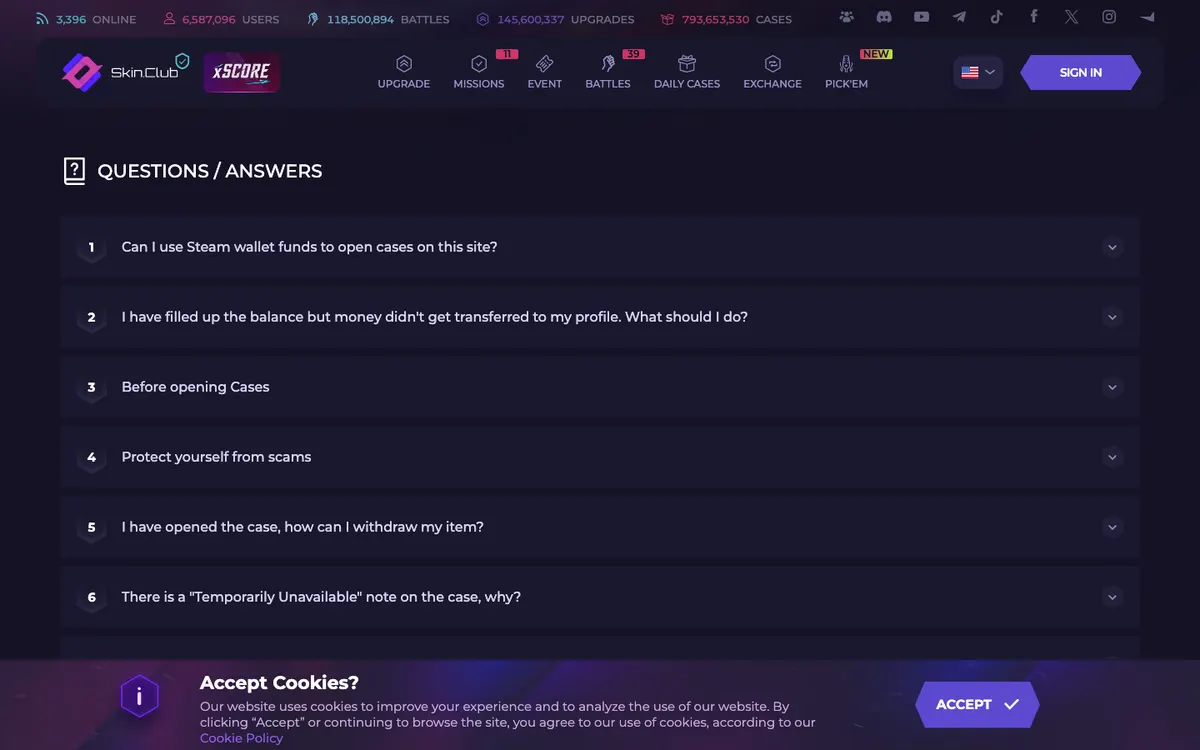
Skin.Club's FAQ covers payments, withdrawals, Steam requirements and verification. Compare any account-specific message with the current instructions before repeating a payment or trade.
Choose the activity that matches your intention
Skin.Club describes cases, Upgrade and battles as activities with different decisions and outcomes. They are chance-based and are not interchangeable ways to buy a particular skin. The game modes guide provides an informational comparison.
| Activity | Your main decision | What not to assume |
|---|---|---|
| Case opening | Select a case and review its current cost, contents and result information. | The most prominent item in the artwork is not a promised result. |
| Upgrade | Select input skins and a target, then review the displayed success chance. | A higher-value target is not a straightforward item exchange. |
| Case battles | Review the cases, participants, mode and allocation rules before joining. | Every battle format does not necessarily use the same winner rule. |
| Exchange | Inspect the terms and availability shown in your account. | The presence of an exchange feature does not establish a cash marketplace. |
| Daily cases and other features | Check eligibility and the current feature-specific conditions. | Signing in alone does not establish eligibility for every feature. |
Case opening: information about case listings
Skin.Club describes Community cases created by users alongside event, farm, anime, premium, battle, sticker and daily categories. A category name describes the catalogue, not an expected result. Individual listings may show prices, possible items and probabilities. These features are described for informational purposes only.
Case-opening results are displayed on the service; a displayed result does not by itself mean an item has been delivered to Steam. A skin’s exact identity can depend on finish, wear and special variants. As general CS2 information, rarity describes an item category, while wear relates to its appearance; neither guarantees resale value.
Skin.Club describes its Adrenaline indicator as a relationship between the likelihood of desirable skins and case cost, and says it does not affect or assure an outcome. It should not be read as protection against losing value. The cases guide explains information associated with individual listings.
Upgrade: information about chances and target skins
Skin.Club describes Upgrade as involving input skins, a target skin and a displayed success chance. The service states that a smaller price gap between selected inputs and a target means a higher probability of success. The displayed chance is specific to the selections shown; it is not a guarantee.
An upgrade is a chance-based feature, not a standard trade where a known payment secures a known item. Outcomes are not owed after repeated attempts, and increasing exposure after a loss does not repair the previous outcome. This is a description of risk, not a recommendation to use the feature.
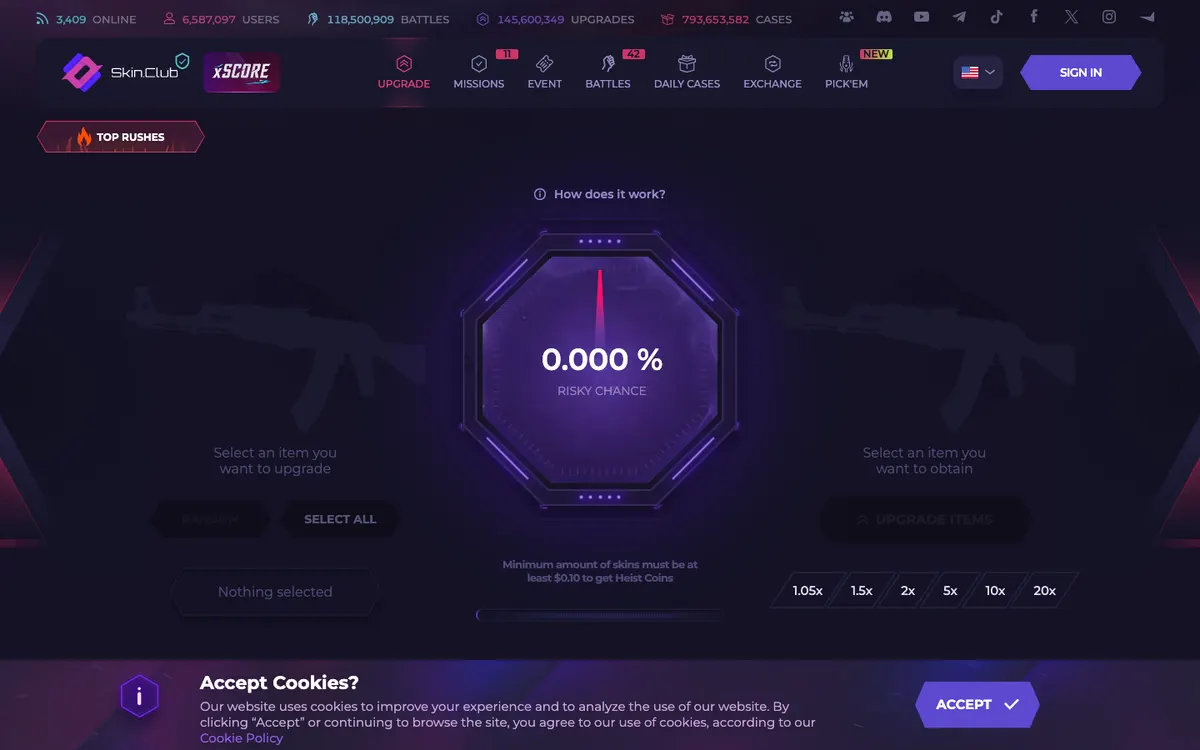
The Upgrade interface separates input selection, target selection and the displayed chance. Review the complete selection before committing.
Battles: information about formats and rules
Skin.Club lists Regular, Crazy and Sharing battle modes, with player formats of 2, 3, 4 and 2x2. Its general battle description says that up to 4 players open cases and the player with the most expensive drop receives all the skins. It also describes battles against bots or real players. The general description may not apply to every variation.
Battle formats may differ in cases, participant arrangements, result decisions, item allocation and tie rules. An item appearing during a battle is not necessarily allocated to a particular participant; allocation depends on the applicable rules. This describes the feature and is not guidance to join a battle.
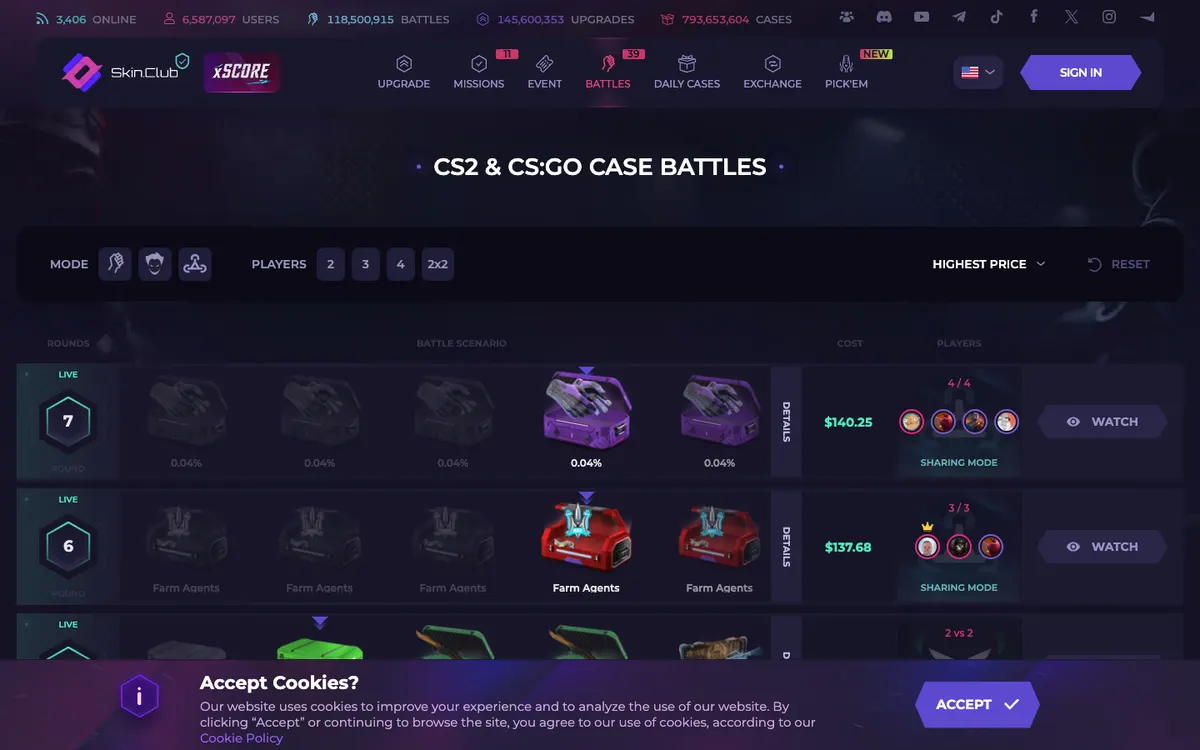
The battle lobby shows available formats. Read the selected battle's details rather than relying on the mode name alone.
Daily cases, missions and exchange: separate conditions
Skin.Club documents missions, events, exchange and Pick'em. Daily cases have level-based eligibility, and a verified section may apply a hold when verification is requested. These features may have separate conditions. Exchange availability and terms may vary; the feature’s name does not establish a commission rate or cash payout. Eligibility does not establish that a feature is available to Australian players.
Check results without confusing fairness with value
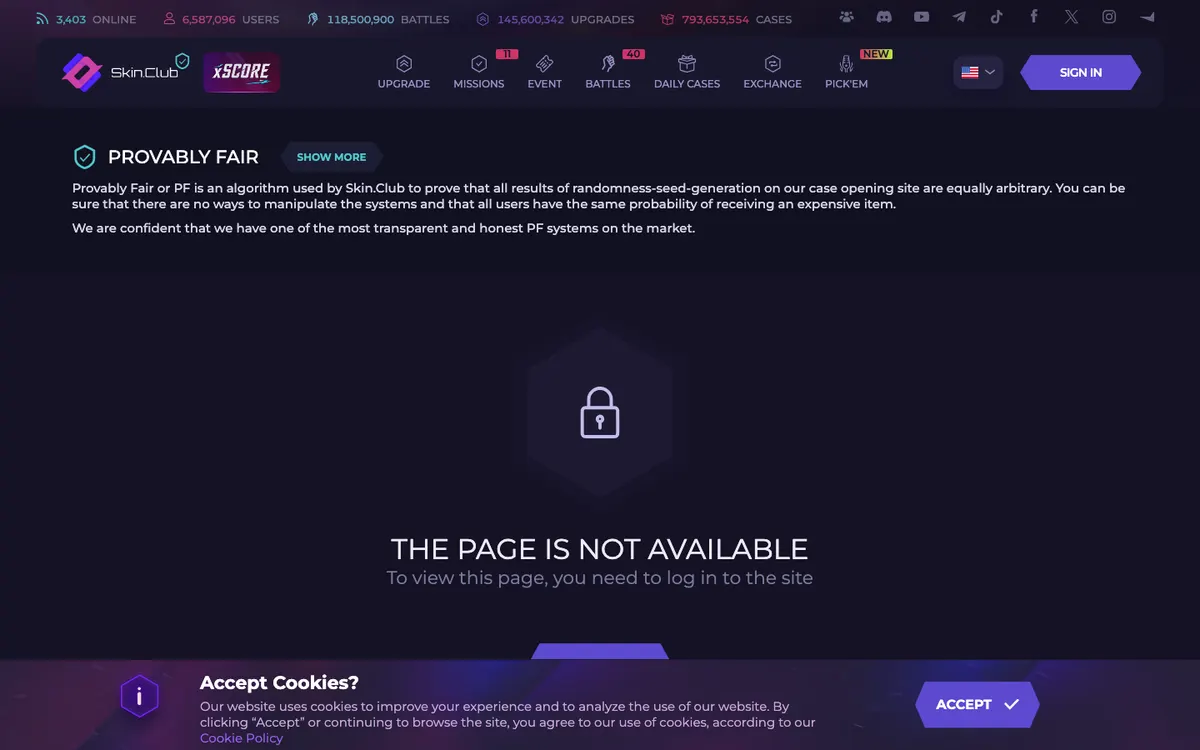
Skin.Club says its mechanics use Provably Fair technology. It describes access to roll history, seed changes, client and server seeds, and checks on other players' results. These tools concern how outcomes can be checked; they do not remove the house edge, guarantee an attractive item or establish that a case is good value.
In a typical provably fair system, a server-seed hash acts as a commitment before play, while a client seed contributes to generating the result. After the relevant server seed is revealed, the recorded inputs can be checked against the result. That is general background, not a substitute for Skin.Club's own verification instructions. Do not import another site's hash algorithm, roll formula or item mapping and assume it applies here.
- Locate the particular opening, upgrade or battle result in the available history.
- Keep its identifier and the verification inputs shown by the official interface.
- Follow the site's process for the relevant seed and result, including any required reveal.
- Separate a successful verification from questions about price, item availability or withdrawal.
Skin.Club's Provably Fair page provides the result-checking interface. The provably fair guide explains the terminology and the limits of what a verification demonstrates.
Skin withdrawals: documented process
Skin.Club documents withdrawals as selecting items in a profile, clicking Take, then receiving and accepting a Steam trade offer. The site says withdrawals typically take a few minutes, but this is not a guaranteed delivery deadline. Its terms note that some skins may be unavailable for withdrawal for reasons outside the company’s control. This is a description of the service, not guidance to use it in Australia.
- Check the profile itemSkin.Club’s documented process refers to an item and any availability message shown in a profile.
- Request withdrawal with TakeSkin.Club documents a profile control labelled Take and a resulting withdrawal status.
- Inspect the Steam offerThe documented process involves a Steam offer associated with a withdrawal. Unexpected offers should not be assumed to be legitimate.
- Accept only the correct transferSkin.Club describes withdrawal as delivery of a skin; an unexpected request to give away personal items should be treated with caution.
- Confirm receipt in SteamA completed Steam trade and inventory status indicate whether an item transfer has occurred. Steam may display restriction or protection notices.
Skin.Club states that it does not provide cash withdrawals. Its documented Take process concerns item delivery, not a payment to a card or payment account. The service says some items may be unavailable, and deposit reversals that result in negative balances can limit withdrawals. This information does not imply availability to Australian players.
Troubleshoot the stage that is actually blocked
| Problem | Check first | Avoid |
|---|---|---|
| Sign-in succeeds but delivery setup is unclear | The Steam account associated with item delivery and any requested trade details. | Depositing before you know where items will go. |
| Skin deposit is not available to spend | Profile > Payments > On Hold and the recorded transaction status. | Assuming an accepted Steam trade means immediate settlement. |
| Balance becomes negative | Whether a skin-deposit reversal affected provisional Instant Credit. | Treating provisional credit as an irreversible deposit. |
| No withdrawal offer appears | The withdrawal status, item availability, trade details and Steam notices. | Repeated withdrawal requests or additional deposits as a speculative fix. |
| An unexpected offer arrives | Whether you initiated it and whether every item matches. | Trusting a familiar avatar or an unsolicited support message. |
| Verification is requested | The request inside the official account or confirmed support workflow. | Sending credentials or identity documents to an unverified contact. |
Skin.Club publishes help@skin.club and says support operates 24/7; this does not promise an immediate resolution. Prepare the account identifier, transaction or result reference, relevant time, exact error and a screenshot with sensitive details concealed. For a Steam transfer, include the trade status rather than only the skin name. Never include passwords or authentication codes. The support guide explains how to assemble a useful request.
Your checklist before the first transaction
- Eligibility: Skin.Club is restricted for players in Australia.
- Account: Skin.Club documents Steam and Google sign-in; this guide does not advise accessing the service in Australia.
- Funding: Skin.Club documents payment methods, Credits and provisional settlement; this is informational only.
- Activities: Skin.Club documents cases, upgrades and battle rules as chance-based features.
- Delivery: Skin.Club documents Steam item delivery; this guide does not advise using the service in Australia.
- Budget: a stopping point chosen in advance, without chasing losses or spending to unlock eligibility.
If you feel pressure to continue after a loss or spend more than planned, stop rather than changing modes. For support in Australia, contact Gambling Help Online on 1800 858 858. The responsible play guide covers spending boundaries and warning signs.
Frequently asked questions
No matching questions found.
How does Skin.Club work for a beginner?
Do I need Steam, or can I use Google?
Where do I find my Steam trade link?
Can I withdraw Skin.Club Credits as money?
Why is my skin deposit on hold?
How long does a Skin.Club withdrawal take?
Does provably fair mean I will get good skins?
Can I get a refund if I change my mind?
Explore Skin.Club
Links to Skin.Club's official site are independent and earn no commission. →
This guide is independent and informational. Check Skin.Club's official site for current terms.