


Protect your money, skins and time before taking part in chance-based play. This independent skin-club.pro guide explains how to set boundaries, recognise warning signs, protect Steam trades and seek help. Skin.Club publishes information about its game mechanics and result verification, but understanding those systems does not remove the risk of loss.
Understand what you are putting at risk
Skin.Club offers CS2 case opening, upgrades and case battles. These are not equivalent to choosing a known item in a straightforward purchase. Treat anything committed to chance-based play as something you could lose, including skins you already own. Their being digital does not make the loss insignificant.
| Activity | Risk to recognise | Practical boundary |
|---|---|---|
| Case opening | You do not choose the resulting item. | Do not keep opening cases to recover a previous spend or obtain a particular skin. |
| Upgrade | Selecting a target skin does not mean you will receive it. | Count the skins committed as spending, rather than treating them as spare items. |
| Case battles | Competition can distract you from your own spending decisions. | Decide your limit before joining; another player's activity is not a reason to continue. |
Skin.Club’s terms describe deposits as Credits: internal tokens that cannot be withdrawn, transferred or exchanged for cash. Skin.Club does not offer cash withdrawals. Do not plan essential spending around a site balance or an expected item withdrawal.
Skin.Club’s Terms of Service set a minimum age of 20 or the applicable age of majority where the user lives. They also require use to be lawful locally. Being able to load a website is not evidence that you may legally use it.
Verification is not protection against losses
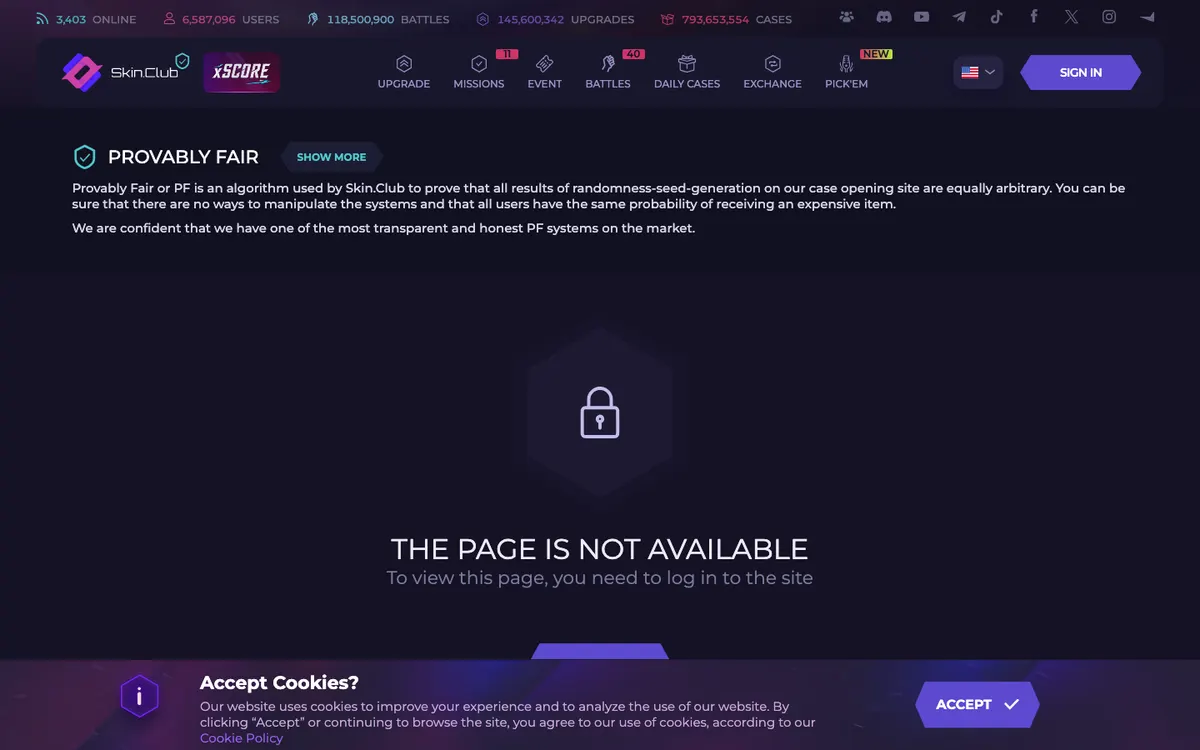
Skin.Club says its mechanics use Provably Fair technology, with roll histories and seed information available for checking. That concerns result verification—not affordability or a promise of a favourable outcome. It does not remove the house edge or make another attempt a way to recover losses. Our provably fair guide explains the distinction.
Set money and time boundaries before starting
A useful boundary is decided before play, not renegotiated after a disappointing result. Choosing not to spend or play is a valid boundary. Use your own written record rather than relying on how a session feels.
- Protect essentials first. Never use money needed for housing, food, bills, healthcare or existing commitments.
- Set a spending ceiling you can afford to lose. Include money deposited and skins committed, not just the latest transaction.
- Do not borrow or use credit to continue. Avoid asking someone else to fund another attempt.
- Choose a stopping time and set an external reminder. Stop when it arrives, regardless of the latest result.
- Do not increase your limit after a loss, a favourable result or encouragement from other players.
- Avoid play when distressed, exhausted, intoxicated or distracted. Step away if it starts interfering with sleep or responsibilities.
Recognise warning signs early
You do not need to reach a crisis before asking for help. Take these changes seriously, especially when they recur:
- Returning to recover money or skins already lost.
- Spending longer or committing more than you intended.
- Hiding transactions or minimising losses when speaking to others.
- Feeling restless, angry or preoccupied when you cannot play.
- Neglecting relationships, work, sleep or everyday tasks.
- Repeatedly setting limits and then overriding them.
- Using play to escape distress rather than addressing what is troubling you.
Take a break and request account restrictions
- Stop the current sessionDo not deposit again or try to finish on a better result. Close the site and move to an activity away from trading or gambling.
- Contact the account operatorSkin.Club lists help@skin.club for support. Explain that you want to stop because of gambling concerns and request account restrictions and an end to promotional messages.
- Ask about exclusion and its scopeWhere self-exclusion is offered, use it and request written confirmation. Ask when it takes effect, what it covers and how long it lasts. Do not assume a request is active before confirmation.
- Add independent barriers and supportConsider website-blocking tools, removing saved payment details and asking your bank about gambling-payment controls. Coverage can vary. Tell someone you trust and contact a specialist support service.
Do not open another account or move to another site to get around a restriction. Blocking tools and account restrictions are practical barriers, not substitutes for personal support.
Protect your account and check every trade
- Check the exact domain before signing in. Avoid account links sent through unsolicited messages.
- Use unique passwords and protect Steam with its Mobile Authenticator.
- Never share passwords, recovery codes or authentication codes with someone claiming to be support.
- Read the actual Steam trade offer. Check the recipient and every item on both sides before confirming.
- Do not transfer items for a supposed verification check or pay an unexpected release charge requested in a message.
- If something looks wrong, stop. Use support channels reached independently rather than contact details supplied by the person pressuring you.
Steam describes trade holds as a delay before delivery that helps owners of compromised accounts cancel fraudulent trades. A delay is not a reason to accept a replacement offer from a stranger. See our trade-safety guide for account and offer checks.
Find help where you live
In New Zealand, contact the Gambling Helpline on 0800 654 655 for gambling support. You can also use your country’s official health-service or gambling-regulator website to find recognised support organisations, counselling and local helplines. Check each service’s location, language, opening hours, costs and confidentiality information directly. National self-exclusion schemes, where available, may not cover every website.
A primary-care professional can help you find appropriate local support. Independent debt advice may also help if spending has affected bills or borrowing. People worried about someone else’s gambling can seek support too. If you feel unsafe or might harm yourself, contact local emergency services or a crisis service immediately.
What this independent website can—and cannot—do
skin-club.pro is an independent, adults-only informational website about Skin.Club. We are not Skin.Club and have no access to user accounts, balances, inventories or trades. We cannot close a brand account, apply exclusion, reverse a trade or release a withdrawal.
We publish brand facts only with sources and distinguish them from general safety guidance. Our buttons link to Skin.Club’s official site. Skin.Club pays nothing for those links, and we earn no commission from them. Read our independence disclosure for more.
The publisher is SmgTev, country: UA. For corrections or concerns about this website, email tevezmc32@gmail.com or use our publisher contact information. Do not send passwords, authentication codes or identity documents. Brand account requests should go to Skin.Club support, not to this publisher.
Responsible-play questions
No matching questions found.
Does having a budget make chance-based play safe?
Can skin-club.pro exclude me from Skin.Club?
Should I keep playing to recover a lost skin?
This guide is independent and informational. Check Skin.Club's official site for current terms.