
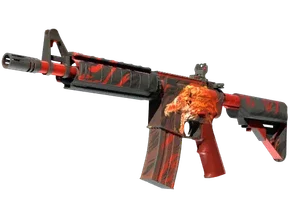
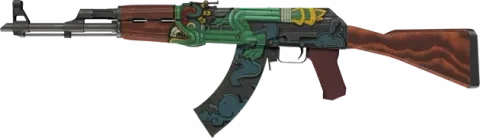
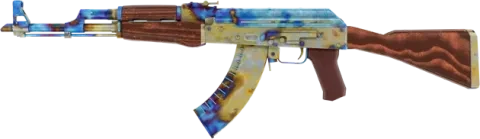

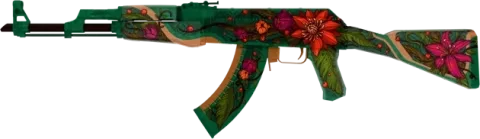

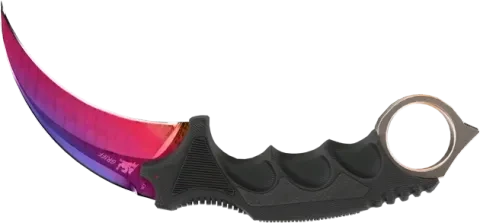
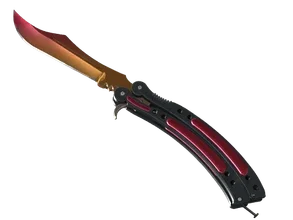
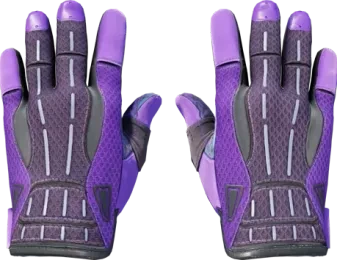
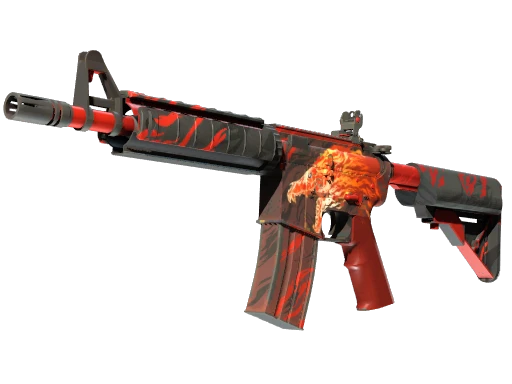
This page is informational. Find answers about Skin.Club’s CS2 case opening, Upgrade and case battles, from choosing a mode to understanding Credits and withdrawing skins to Steam. Its documented features include automated Steam-bot trades and a Provably Fair result history. Start with the topic that matches your question, especially before making a payment, committing an item or accepting a trade.
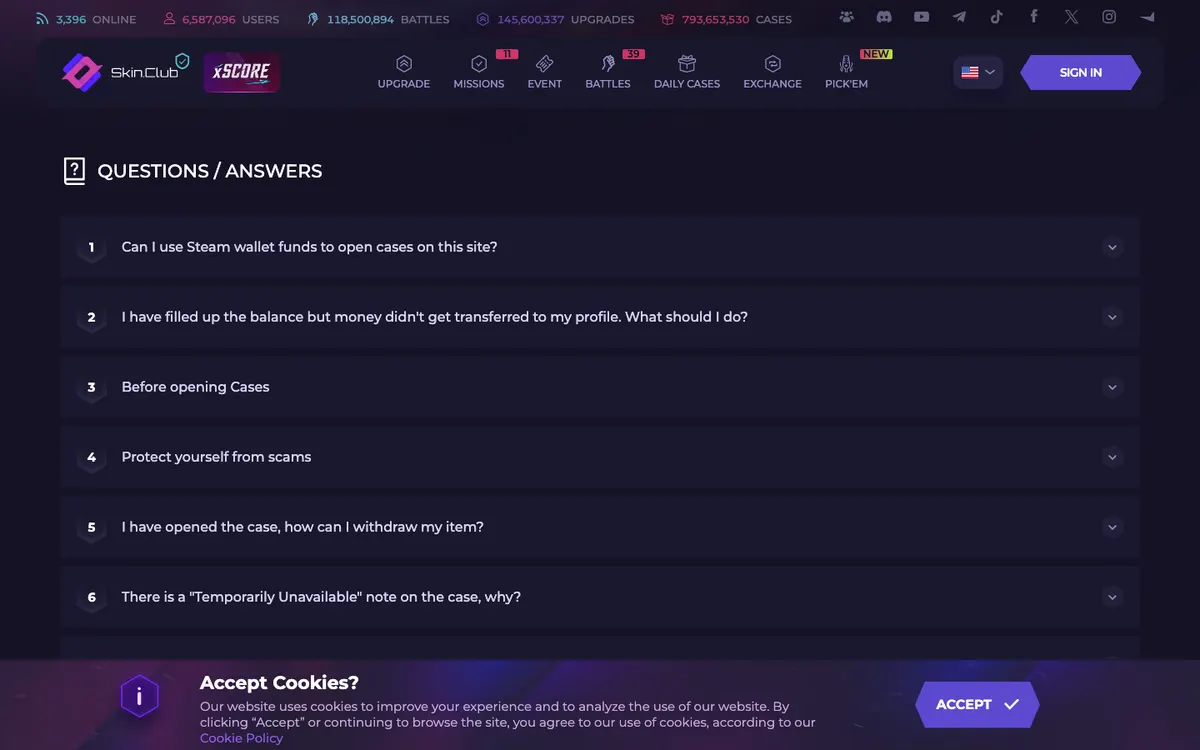
Skin.Club’s official FAQ interface covers payments, withdrawals, Steam requirements and account verification. For a transaction problem, match the explanation to the status shown in your own account.
Cases, Upgrade and battles: understand the differences
| Mode | What you choose | Important distinction |
|---|---|---|
| Case opening | A case from the available catalogue | You are choosing a chance-based opening, not directly purchasing a particular pictured skin. |
| Upgrade | One or more input skins and a target skin | The price gap affects success probability; selecting a target does not mean receiving it. |
| Case battles | A battle and its available format | Regular, Crazy and Sharing are separate modes. Read the selected mode’s rules before joining. |
No matching questions found.
Is Skin.Club a skin marketplace or a case-opening site?
Does Skin.Club support Dota 2, Rust or TF2 skins?
How does Skin.Club Upgrade work?
How do battles work, and can I play against bots?
What are Community cases, and how do daily cases unlock?
Does the Adrenaline indicator change my result?
Deposits, Credits and fees: know what your payment buys
No matching questions found.
Which payment methods does Skin.Club list?
What are Credits, and can I withdraw them as money?
Where can I find the deposit, exchange and withdrawal fees?
Why is my skin deposit on hold for 8 days?
Can I get a refund after topping up?
Withdraw skins to Steam and identify the cause of delays
- Select the items in your profileReview the skins you want to withdraw and check whether they are currently available.
- Use the Take controlSkin.Club’s documented withdrawal process starts by selecting the items and clicking Take.
- Inspect the Steam trade offerTrades are handled automatically by Steam bots. Check the items and both sides of the offer before accepting.
- Check the resulting statusAfter acceptance, check Steam and your Skin.Club profile. If something is unresolved, keep the trade and transaction details for support.
No matching questions found.
How long do Skin.Club withdrawals take?
Why is a skin unavailable for withdrawal?
Is a Steam trade hold the same as Skin.Club’s deposit hold?
What is a Steam trade URL, and does Steam Guard matter?
Why should I check wear, float and the full item name?
Check fairness without confusing it with value
No matching questions found.
What does Skin.Club say its Provably Fair system covers?
What do seeds and hashes mean when checking a result?
Does a verifiable result mean a case or upgrade is good value?
Sign-in, verification and regional access
No matching questions found.
Can I sign in with Steam or Google?
Why might Skin.Club request identity verification?
Can I pay using someone else’s card or payment account?
Where is Skin.Club available, and are VPNs allowed?
Who operates Skin.Club, and is it affiliated with Valve?
Get support with the evidence needed to investigate
No matching questions found.
How do I contact Skin.Club support?
Which address handles privacy requests?
- Identify the affected account using the account details appropriate to your enquiry, without including its password.
- Include the payment receipt, transaction reference or Steam trade-offer identifier when available.
- Record when the issue occurred and what status is currently displayed.
- Name the affected item, case, upgrade attempt or battle so the issue can be located.
- Attach a screenshot of the error, removing unrelated personal and financial information.
- Describe the actions already taken and the outcome you need clarified.
- Never include Steam Guard codes, recovery codes or full payment-card credentials.
Set limits before chance-based play becomes a problem
No matching questions found.
What should I decide before opening cases or joining battles?
What should I do if I am chasing losses or struggling to stop?
Explore Skin.Club
Links to Skin.Club's official site are independent and earn no commission. →
This guide is independent and informational. Check Skin.Club's official site for current terms.