
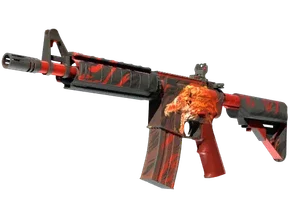
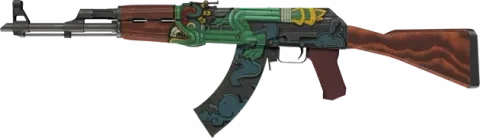
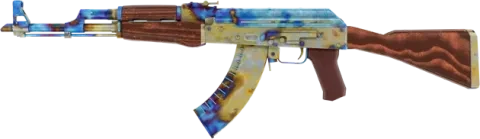

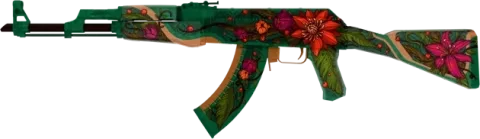

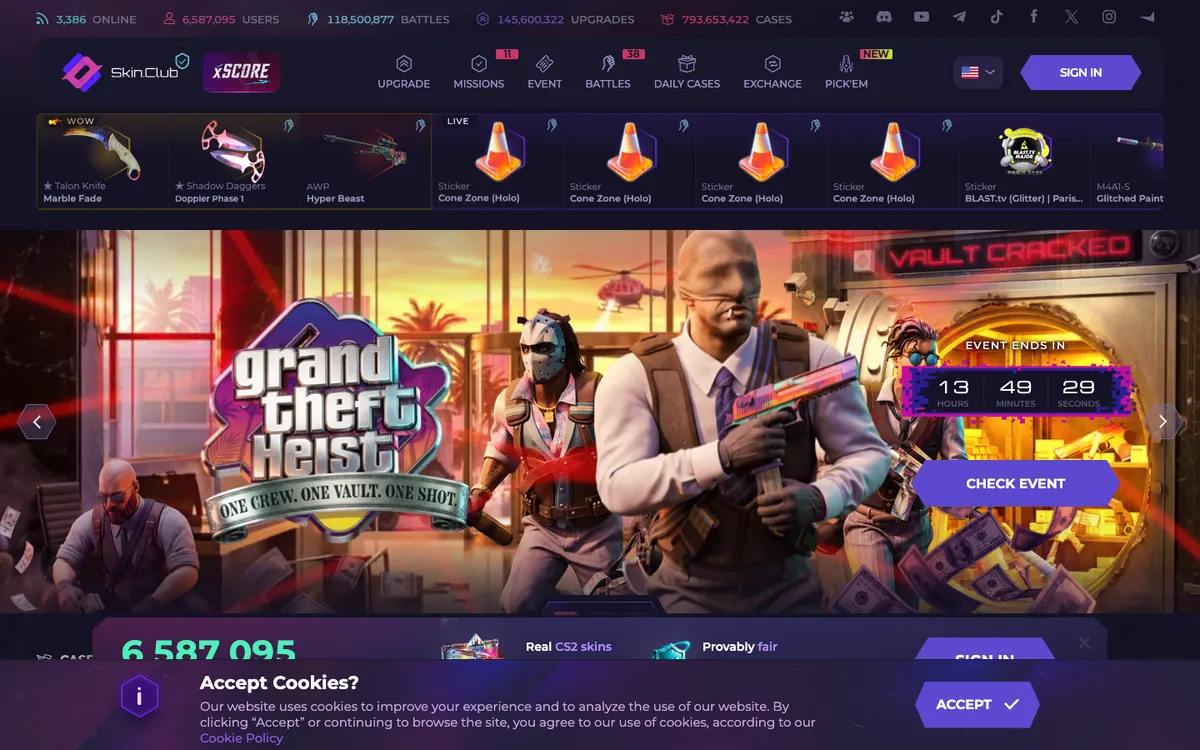
Skin.Club at a glance
The official English site is https://skin.club/en. Its documented catalogue is focused on CS2, including items still described with the older CS:GO name. It is not a multi-game inventory service for Dota 2, Rust or TF2. The practical starting point is to decide whether you want chance-based entertainment or a particular skin: those are different goals, and case opening is not a substitute for buying a known item at an agreed price.
Understand what Skin.Club offers before adding funds
Skin.Club is primarily a case-opening and item-gaming platform, not a conventional marketplace where sellers list specific skins for buyers. Its main activities involve an uncertain result: opening a case, attempting an upgrade or participating in a case battle. Exchange is also listed among its features, but that should not be interpreted as a cash-withdrawal service. The distinction matters because an item's displayed value, your internal balance and money in a bank account are not interchangeable.
The documented features worth examining are the range of CS2 formats, automated Steam-bot trades and access to roll histories and seed information through its Provably Fair system. None makes the outcome predictable. If your goal is a particular finish, wear condition or inventory item, compare the certainty of a direct purchase elsewhere with the uncertainty of paying for a random result. Do not treat a desirable item pictured on a case as the item you are buying.
- For case contents and opening mechanics, use the Skin.Club cases guide.
- For the differences between upgrades and battles, read the game modes guide.
- For payment handling and item delivery, see deposits and withdrawals.
- For a broader assessment of features, limitations and account checks, read the Skin.Club review.
Compare the main modes by what is at stake
| Format | Documented mechanic | Most important check |
|---|---|---|
| Case opening | Open a case for a chance-based skin result; the catalogue includes several themed categories. | Check the cost, contents and available probability information. An attractive pictured item is not a promised result. |
| Upgrade | Select one or more skins and a target skin. A smaller price gap means a higher success probability. | Review the selected items, target and displayed chance together. A multiplier is not the probability of success. |
| Case battles | Players open cases in a shared contest. The lobby lists Regular, Crazy and Sharing modes. | Read the selected mode's allocation rules, player format and entry cost rather than assuming every battle works alike. |
| Daily cases | Access is tied to account levels, with a verified section that can involve a hold. | Check eligibility and verification conditions. Do not spend merely to reach a level. |
| Exchange and other features | Exchange, missions, events and Pick'em are listed alongside the main modes. | Read the feature-specific terms. Their presence does not change the rule that cash withdrawals are unavailable. |
Cases: compare the contents, not just the theme
The catalogue includes Community cases created by users, alongside event, farm, anime, premium, battle, sticker and daily cases. These names help organize the catalogue, but they are not measures of value or reliable outcomes. A premium label does not by itself tell you whether the distribution of possible results suits your budget. A community-created case also deserves the same scrutiny as any other case.
Before opening, identify the cost, the possible items and their conditions, and whatever probability information is available. If essential information is unclear, stop rather than infer it from the animation. Skin.Club also describes an Adrenaline indicator relating desirable outcomes to case cost. The site explicitly says this indicator is informational and does not affect or guarantee an outcome. It should not replace a reading of the actual case details.
Upgrade: weigh the target against the displayed chance
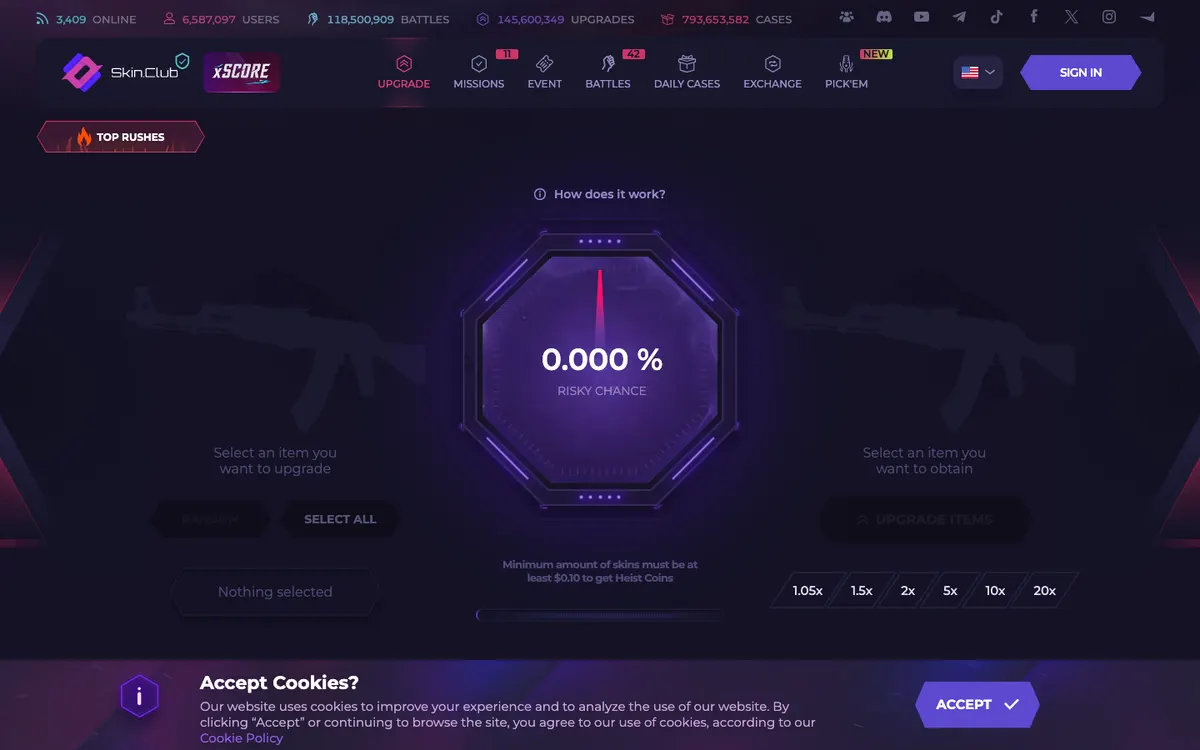
In Upgrade, you select one or more skins, choose a target skin and submit the attempt. Skin.Club explains that a smaller price gap between the selected skins and the target means a higher success probability. The interface displays multiplier options, but these describe the relationship being selected—not a guaranteed return or a substitute for the shown chance.
The decision is whether you are prepared to put the selected items at risk for that attempt. Do not mentally treat their value as already spent simply because they came from an earlier case. They remain part of your budget. After changing either the inputs or the target, review the chance again before submitting. A higher chance still leaves room for failure, and an earlier unsuccessful attempt does not make a later attempt due to succeed.
Battles: separate the player format from the winning rule
Skin.Club lists Regular, Crazy and Sharing battle modes, with player formats of 2, 3, 4 and 2x2. Its general battle description says up to 4 players open cases and the player with the most expensive drop receives all the skins. It also says participants can battle bots or real players. Do not apply that brief description automatically to every named variant; check the selected mode's detailed rules.
Before joining, distinguish the participant arrangement from the rule used to allocate items. Review the cases included, the full entry cost and how the result is decided. A lobby's pace or another participant's result says nothing about whether your next entry will be favourable. If the rules for a variant or a tie are unclear, do not fill the gap with assumptions from another site. The battle and upgrade guide keeps those questions separate.
Daily cases and events have their own conditions
Daily-case access is level-based, with published thresholds including Level 3, 10 and 20, extending up to Level 120. A verified section also exists, and a hold may apply if verification is requested. Treat these as conditional account features rather than an unconditional entitlement. Missions, events and Pick'em should likewise be assessed under their current rules. Spending to unlock an additional feature is still spending; it should not be justified by the possibility of recovering that cost later.
How to get oriented before your first deposit
The safest order is to resolve eligibility, account access and withdrawal questions before funding anything. The following sequence combines documented Skin.Club options with general account-safety guidance; it is not a promise that every account sees identical screens or payment methods.
- Check age and location eligibilityConfirm that you meet the age requirement and that participation is lawful where you live. Skin.Club excludes residents of Washington and Nevada and may restrict other regional functionality. Its terms prohibit VPNs and proxies.
- Check the destination before signing inConfirm that you are using skin.club rather than a lookalike domain. Skin.Club documents Steam and Google sign-in. As general security practice, inspect the authentication destination and never send a password or recovery code to someone offering account help.
- Understand the Steam delivery pathItem withdrawals arrive through Steam trades. Where a Steam trade link is requested, obtain it from your own Steam account. A trade link enables offers; it is not your password and does not authorize an unexpected trade on your behalf.
- Review the payment and Credit termsCheck the selected method's current confirmation screen, applicable charges and conditions. Understand that Credits cannot be withdrawn as money. If depositing skins, read the hold and provisional-credit rules before relying on the displayed balance.
- Set a spending and time boundaryChoose limits you can afford without affecting essential expenses. Include the value of deposited or reused skins, not only card payments. Do not increase the budget after an unfavorable result or spend to reach a daily-case level.
- Read the exact activity before participatingCheck the case contents, upgrade chance or battle rules, as applicable. If the objective is simply to obtain a known skin, reconsider whether a random activity fits that objective. More detail is available in how Skin.Club works.
Payments: distinguish deposits, Credits and withdrawals
Skin.Club documents G2A Pay, credit cards and CS2 skins as deposit options. Its footer also displays payment-network and authentication logos, but a logo alone does not establish that a particular route is available to your account or location. Check the actual payment screen. Do not assume that a deposit route is also a withdrawal route: Skin.Club explicitly does not offer cash withdrawals.
| Component | Published position | Practical implication |
|---|---|---|
| Card or G2A Pay deposit | Listed among payment options. | Check current availability, charges and payment details before authorizing a top-up. |
| CS2 skin deposit | Supported; skin deposits can be held for 8 days. | Do not assume the trade and the usable balance have reached final settlement at the same moment. |
| Credits | Internal tokens with no real-world value; not withdrawable, transferable or exchangeable for cash. | Treat the balance as site-specific purchasing power, not a cash account. |
| Item withdrawal | Select profile items, use Take, then receive and accept a Steam trade offer. | Check both the site request and the resulting Steam offer. |
| Refund | Possible only for a mistaken payment when the top-up balance is untouched. | Do not assume used funds can be refunded because you dislike a result. |
| Fees | No complete fee table is published; the terms permit additional fees and changes. | Verify the final cost rather than assuming a service is fee-free. |
Steam Wallet funds are another separate concept. The Steam Community Market uses Wallet funds and shows its own transaction-fee lines; those are not Skin.Club's fee schedule or a cash-out arrangement. Likewise, a skin's site valuation should not be assumed to equal an immediately realizable cash price. Compare like with like when judging cost. The fees guide separates published terms from charges that must be checked in the transaction itself.
Skin deposits: understand the hold before using provisional credit
Skin.Club's FAQ says skin deposits can remain on hold for 8 days, with their status shown under Profile > Payments > On Hold. Its terms separately describe Instant Credit as provisional credit during an 8-day Settlement Period. If Steam Trade Protection reverses the underlying trade, that credit can be reversed too. The terms allow the resulting balance to go below zero, and a negative balance can limit withdrawals.
This is why an available-looking balance should not automatically be treated as fully settled. If a deposit appears missing, first check whether it is recorded as on hold rather than sending another deposit. Keep the trade reference and payment record available for support. These are Skin.Club's published settlement conditions, not a claim that every Steam trade has the same waiting period. Steam holds and other trade restrictions are separate mechanisms whose displayed conditions must also be checked.
Withdrawing skins means completing a Steam trade
Skin.Club says trades are handled automatically by Steam bots. Its published withdrawal sequence is to select items in your profile, click Take, wait for a Steam trade offer and accept it. The site describes typical delivery as taking a few minutes, but that is not a deadline or guarantee. Some skins may be unavailable for withdrawal for reasons outside the company's control.
- Before requesting: confirm the selected item and the receiving Steam account. Check any withdrawal message rather than repeatedly submitting the same request.
- When an offer arrives: compare its contents with the request. An unexpected demand for your own items should not be accepted merely because a profile uses familiar branding.
- If an item is unavailable: check the site's status information and contact support. Do not assume that an inventory display proves immediate delivery availability.
- If delivery is delayed: retain the request details, any error message and the Steam offer status. Never send passwords, authenticator codes or recovery codes with a support request.
As a general Steam concept, a trade offer packages the items proposed by each side. A trade hold means Steam keeps items pending before delivery, providing time to address potentially fraudulent activity. These concepts explain why clicking a site control and receiving a usable inventory item are different stages. For the full sequence and common obstacles, see deposits and withdrawals and trade safety.
Provably Fair helps check results—not predict them
Skin.Club says all its mechanics use Provably Fair technology. It describes access to roll histories, seed changes, client and server seeds, and the ability to check other players' results. Those are useful transparency features to examine. They do not establish that a particular case is good value, that an upgrade will succeed or that a withdrawal will be available immediately.
In general, provably fair systems use a cryptographic commitment and seed data so that a result can later be checked against a defined calculation. A hash functions as a digital fingerprint: matching the disclosed data to the earlier commitment helps test whether that data changed. This is a general explanation, not a specification of Skin.Club's particular algorithm. Use its verification instructions for the actual inputs and calculation rather than assuming a method from another platform applies.
A meaningful check connects a particular recorded result to the relevant seed data and verification procedure. Watching an animation or reading the words Provably Fair is not the same thing. Verification also does not remove the house edge: a correctly generated random outcome can still come from rules designed to favor the operator over repeated play. The Provably Fair guide explains that distinction in more detail.
Read the item details behind a skin's name
General CS2 item knowledge helps you compare what a case might contain with what you actually want. A skin's weapon and finish name are only part of its identity. Wear condition, float, pattern and special attributes can distinguish otherwise similar-looking items. Rarity describes an item's category; it does not by itself establish the price you could obtain for it or its likelihood within a custom case.
- Wear and float: condition labels summarize wear, while float describes it more precisely. Inspect the specific item rather than judging solely from a generic image.
- Pattern: some finishes vary in appearance between items. A desirable example shown in artwork need not describe every possible item with that finish name.
- StatTrak: this attribute distinguishes an item variant. Do not assume it is included unless the actual item description says so.
- Valuation: a displayed site value is not a promised cash-sale price. Currency, venue, fees and the exact item can affect comparisons.
These are general item concepts, not additional Skin.Club guarantees. Use the skin glossary for terminology and the supported games guide to keep CS2 support separate from other games' inventories.
Protect the account and prepare for verification
Steam Guard's Mobile Authenticator provides additional protection for Steam authentication and trade confirmations. That is general Steam security guidance, not a statement that enabling it removes every restriction or satisfies every Skin.Club requirement. Before confirming an offer, read what Steam actually shows. A familiar avatar, display name or message is not enough to establish that an offer matches your request.
Skin.Club may request identity verification because of suspicious activity, a transaction or a payment method. Its terms allow requests for identification, a selfie with identification, payment evidence, address evidence and source-of-funds information. Using someone else's payment credentials is prohibited. Check these conditions before depositing if you would be unable or unwilling to provide the requested documents through an authenticated channel.
For account or transaction problems, the published support address is help@skin.club, with support advertised as available 24/7. Prepare the relevant transaction reference, the time of the issue, a clear description and a screenshot with sensitive details hidden. Never include credentials or authenticator codes. The support guide explains what to gather, while login help covers sign-in checks.
Check eligibility and keep chance-based play bounded
Skin.Club identifies its operator as MOONTAIN LIMITED in Nicosia, Cyprus, and its terms are governed by Cyprus law. It says it is not affiliated with or endorsed by Valve, CS2 or Steam. These are company and relationship details, not evidence that participation is permitted in every country. Users remain responsible for local law, and the company may restrict functionality by region.
Participation is for adults meeting the minimum age of 18 and any applicable higher local requirement. Using skins instead of a card does not remove financial exposure. Stop if you find yourself chasing losses, borrowing, hiding spending or repeatedly extending a planned session. Stepping away is more useful than changing modes in an attempt to recover value. The responsible gambling guide covers budgeting, warning signs and routes to help.
A short checklist before deciding
- Goal: you understand the difference between a chance-based activity and purchasing a particular skin.
- Eligibility: your age, location and intended use satisfy applicable rules without a VPN or proxy.
- Cost: you have checked the payment total, relevant conditions and a spending boundary you can maintain.
- Settlement: you understand Credits, skin-deposit holds and the possibility of provisional-credit reversal.
- Delivery: you know that withdrawals are Steam items, not cash, and that availability can vary.
- Verification: you can distinguish checking a random result from predicting one or removing the house edge.
Skin.Club frequently asked questions
No matching questions found.
What is Skin.Club?
Does Skin.Club support Dota 2, Rust or TF2 skins?
Can you withdraw money from Skin.Club?
Which payment methods does Skin.Club list?
Why is my skin deposit on hold?
Is Skin.Club Provably Fair?
How do Skin.Club battles differ from upgrades?
Can Skin.Club request identity verification?
Explore Skin.Club
Links to Skin.Club's official site are independent and earn no commission. →
This guide is independent and informational. Check Skin.Club's official site for current terms.