


Learn what a skin’s condition means, what a Steam hold delays, and how case-opening odds differ from item value. Skin.Club focuses on CS2 case opening, upgrades and case battles, and says its provably fair tools provide roll histories and seed information. This glossary separates those documented features from general Steam and skin terminology so you can understand an item, result or transaction before acting.
Find the term you need
| Term | Plain-English meaning | Do not confuse it with |
|---|---|---|
| Float | A value describing a skin’s wear condition | Rarity or weapon performance |
| StatTrak | An item variant with a kill-counting feature | A gameplay advantage |
| Drop | The item awarded by an opening | An item you selected to purchase directly |
| House edge | The mathematical disadvantage built into a chance-based game | A prediction of your next result |
| Provably fair | A method for checking how a result was generated | Favourable odds or a guarantee of safety |
| Trade hold | A Steam delay before traded items are delivered | An unsuccessful trade |
| Credits | Skin.Club’s internal tokens | Cash or Steam Wallet funds |
| Withdrawal | On Skin.Club, taking available skins to Steam | A bank or card payout |
Understand a CS2 skin’s identity and condition
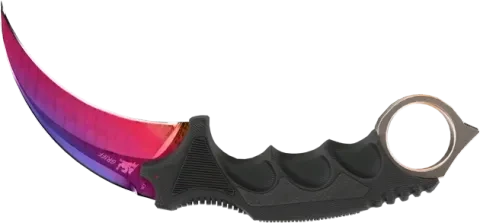
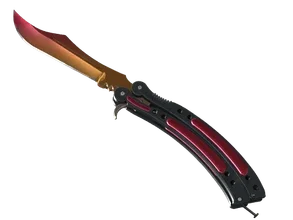
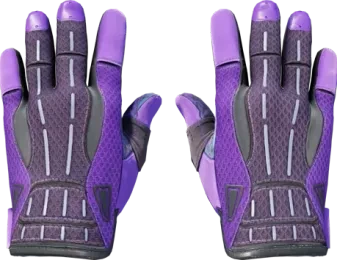
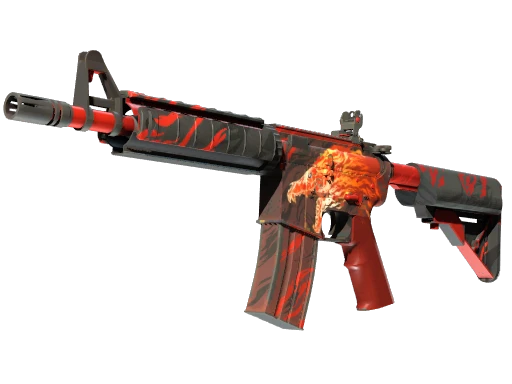
These are general CS2 item concepts, not Skin.Club-specific rules. Skin.Club’s documented game focus is CS2, also referred to by its earlier CS:GO name. Knowing the full item description helps you distinguish similar-looking skins without assuming they have identical characteristics or values.
Float and wear: condition, not weapon strength
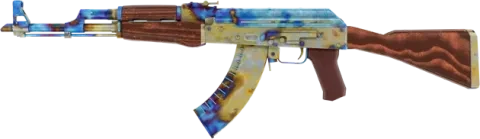
Float is a numerical wear value associated with a skin. Lower float generally corresponds to a less-worn appearance, although finishes show wear differently. Wear is the broader condition label: Factory New, Minimal Wear, Field-Tested, Well-Worn or Battle-Scarred. Skins within the same wear category can still look different because their exact floats and patterns differ. Not every finish is available across every condition. Playing matches does not progressively wear down a skin, and a cleaner-looking finish does not improve the weapon’s damage, accuracy or other gameplay statistics.
Rarity, finish and pattern: different parts of an item
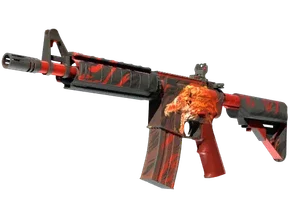
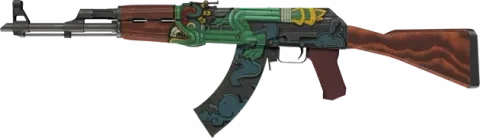
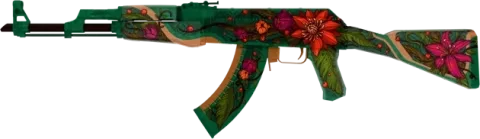
Rarity is an item’s classification within the game’s item system. It is separate from wear and does not, by itself, establish a price. Finish describes the skin design applied to the weapon. Pattern refers to how that design is positioned or generated on a particular item; its pattern index identifies the template used. Pattern differences matter much more for some finishes than others. A seller describing a pattern as unusual does not establish that another buyer will pay more for it. Compare the exact item rather than relying on a rarity label or thumbnail.
StatTrak and Souvenir: variants worth checking
StatTrak identifies a variant with a kill-counting feature. It does not make the underlying weapon stronger, and the StatTrak version should not be treated as interchangeable with an otherwise similarly named standard item. Souvenir identifies a tournament-related item variant. Its event association and item details can matter to collectors, but the label alone does not establish a higher value. For either variant, read the complete item name, condition and description before comparing prices or accepting a trade.
Tell Skin.Club’s modes apart
| Feature | Meaning | What to establish before proceeding |
|---|---|---|
| Case opening | A chance-based opening that produces an item outcome | The opening cost, possible contents and outcome probabilities |
| Upgrade | Commit selected skins for a chance at a chosen target skin | The selected items, target and displayed success chance |
| Case battles | A format in which participants open cases under battle rules | The selected mode, participants and item-allocation rules |
| Community cases | Cases created by users | The individual case’s contents and conditions, not just its name |
| Exchange | Skin.Club’s item-exchange feature | The proposed items and valuations; exchange is not cash withdrawal |
Drop, target and multiplier
A drop is the item outcome from an opening. A target is the skin selected as the desired outcome in Upgrade, not an item already secured. Skin.Club says you select one or more skins and choose a target; a smaller price gap between the selected skins and the target means a higher success probability. The interface lists multiplier options including 2x and 5x. These controls are not promises that your items will multiply in value. Read the actual success chance and understand that the committed items are at risk.
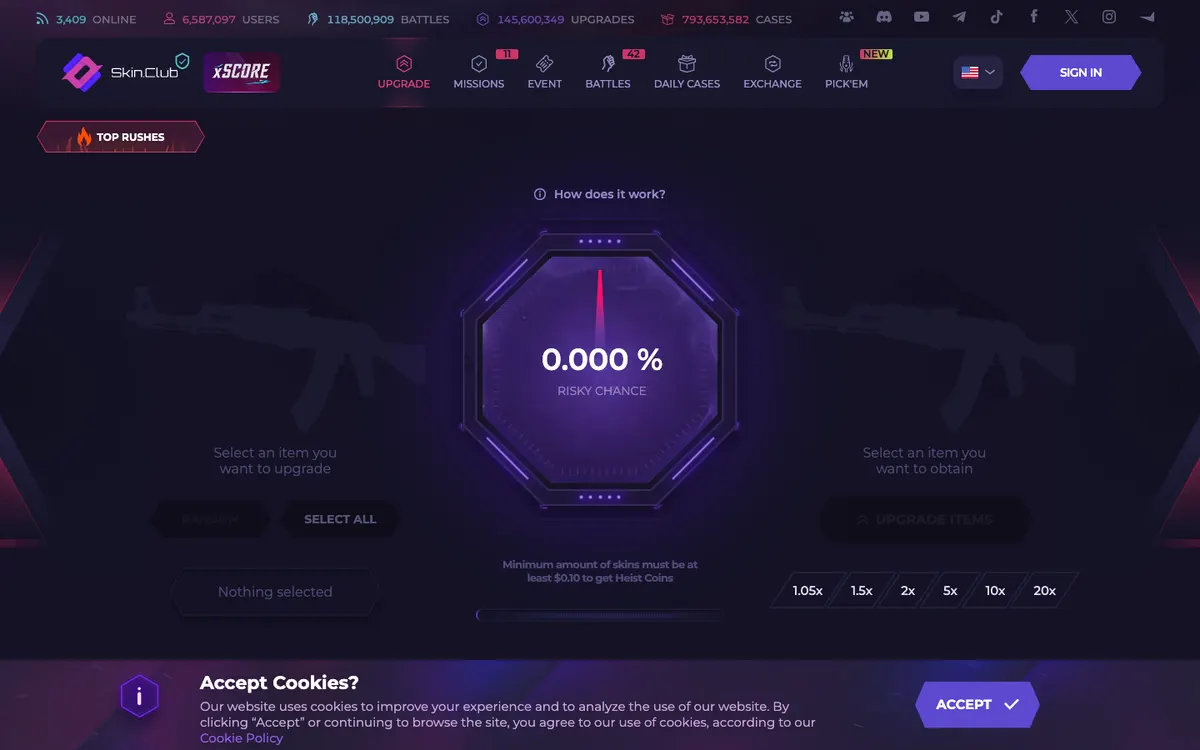
Skin.Club’s Upgrade interface shows item selection and a displayed chance. Distinguish the chosen target from the probability of receiving it.
Battle modes, bots and Adrenaline
Skin.Club lists Regular, Crazy and Sharing battle modes, and says battles can involve real players or bots. A bot opponent in a battle is different from a Steam trading bot that delivers items. Do not assume every battle mode allocates skins in the same way. Adrenaline is another separate term: Skin.Club describes it as an informational ratio relating the likelihood of desirable skins to case cost. The site explicitly says this indicator does not affect or guarantee an outcome. For the feature overview, see Skin.Club game modes.
Read odds without mistaking them for a prediction
Probability, expected value and variance
Probability describes how likely an outcome is under the stated rules. It does not schedule when that outcome will happen. Expected value is the probability-weighted average value of all possible outcomes. Comparing that average with the cost helps explain a game’s economics, but it does not predict an individual session. Variance describes how widely actual outcomes can differ from their average. A short run can therefore look very different from the long-run expectation. Previous disappointing results do not, by themselves, make a desirable result due.
House edge and RTP
House edge is the mathematical advantage built into a game’s pricing and outcome structure. RTP, or return to player, describes the theoretical average proportion of stakes returned through outcomes over repeated play. Neither term tells you what you personally will receive. With skins, any calculation also depends on the item values used: a site’s valuation is not necessarily the amount obtainable elsewhere. Do not infer an RTP from an animation, a multiplier label or a handful of openings. A house edge and a verifiable random process can exist together.
Provably fair, seeds, hashes and nonces
Provably fair generally describes a cryptographic method that lets a user check a result against committed inputs and a published calculation. Skin.Club says all its mechanics use this technology and provides roll histories, seed changes, client and server seed information, and checks of other players’ results. The following are general technical definitions, not a specification of Skin.Club’s exact implementation:
- Server seed: an input supplied by the operator’s system.
- Client seed: a user-side input used in the result-generation process.
- Hash: a cryptographic fingerprint that can commit to data before the underlying data is revealed.
- Nonce: a changing counter commonly used to distinguish successive results using a seed pair.
- Roll: the generated result value, interpreted according to the game’s outcome rules.
- Verifier: a tool or calculation used to check whether recorded inputs reproduce a result.
Skin.Club’s Provably Fair page includes result-verification information. Verification concerns result generation; it does not establish favourable prices, remove the house edge or guarantee item availability. See the provably fair guide for more context.
Know what happens during a Steam trade
Trade offer, trade link and trading bot
A Steam trade offer is a proposed exchange showing the items on each side. Read both sides before accepting: an incoming offer is not automatically a correct offer. A trade link, also called a Trade URL, lets another account send you an offer without first becoming a Steam friend. It is not your password and does not itself authorise an exchange. A trading bot is an automated Steam account used to process item transfers. Skin.Club says its trades are carried out automatically by Steam bots. A familiar bot name or avatar alone is not proof that an offer is genuine.
Steam Guard, holds and settlement are different
| Term | Where it applies | Meaning |
|---|---|---|
| Steam Guard Mobile Authenticator | Steam account security | Provides two-factor authentication for trade and market confirmations; it is not a site balance. |
| Trade hold | Steam item delivery | Steam holds items before delivery, giving a compromised account’s owner an opportunity to cancel fraudulent trades. |
| Trade Protection reversal | Steam trade protection | A reversal can undo a trade. Skin.Club’s terms explain how this can affect provisional skin-deposit credit. |
| Settlement Period | Skin.Club skin deposits | An 8-day period associated with Instant Credit under Skin.Club’s terms. |
| On Hold | Skin.Club payment history | The FAQ says skin deposits can be held for 8 days and shown under Profile > Payments > On Hold. |
Instant Credit is provisional credit granted against a skin deposit during settlement. Skin.Club says it can be reversed if Steam Trade Protection reverses the trade, potentially leaving a negative balance. This is why a visible balance, a settled deposit and an item delivered to Steam should not be treated as the same state. Check the message attached to the specific transaction rather than applying a generic Steam waiting period to every delay.
Separate Credits, item values and cash
Credits are Skin.Club’s internal tokens. Its terms say deposits become Credits, which have no real-world value and cannot be withdrawn, transferred or exchanged for cash. A deposit therefore means funding the site’s internal balance, not opening a bank-like account. Skin.Club lists G2A Pay, credit cards and CS2 skins as payment systems. The available method and its transaction conditions should be checked before payment.
Withdrawal on Skin.Club means taking skins to Steam, not receiving money in a bank account. The documented process is to select items in your profile, choose Take, then review and accept the resulting Steam trade offer. Skin.Club does not offer cash withdrawals. Some skins may be unavailable, and a negative balance following a reversal can limit withdrawals. Receiving a skin and selling it elsewhere would be separate transactions with separate conditions.
Steam Wallet funds are another distinct balance: the Steam Community Market uses them for buying and selling items. They are not Skin.Club Credits. A valuation is an assigned or quoted item value, while a fee is a charge associated with a transaction. Skin.Club does not publish a fee table, and its terms reserve the right to add fees or change the fee structure. Do not read that absence as a promise of no charges; consult the fees guide and the transaction details.
KYC means Know Your Customer: identity and transaction checks. Skin.Club says suspicious activity, a transaction or a payment method can trigger requests for documents such as identification or proof of payment. KYC is separate from Steam Guard and provably fair verification; each addresses a different issue.
Apply the glossary before committing value
- Identify the actionEstablish whether you are opening a case, attempting an upgrade, entering a battle or transferring an item. These actions have different outcomes.
- Read the exact itemCheck the weapon, finish, wear and variant. Inspect float and pattern where those characteristics matter to your decision.
- Separate chance from valueA target’s value is not its success probability. A prominent item image does not tell you how likely that item is.
- Check the transaction stateDistinguish available Credits, provisional deposit credit, an outstanding Steam offer and an item already delivered.
- Keep security and spending limits intactReview offers carefully and do not increase your budget to recover losses. Use the trade safety guide and responsible play guidance when needed.
Glossary questions
No matching questions found.
Are float and wear the same thing?
Does provably fair remove the house edge?
Is a trade hold the same as Skin.Club’s Settlement Period?
Can Skin.Club Credits be withdrawn as money?
Does a higher Upgrade multiplier mean a better chance?
Explore Skin.Club
Links to Skin.Club's official site are independent and earn no commission. →
This guide is independent and informational. Check Skin.Club's official site for current terms.